
Best AI Tools for Video Editors: Cut Faster, Deliver Better
Disclosure: Some links in this article are affiliate links. If you click and make a purchase, we may earn a commission at no extra cost to you. This does not influence our editorial recommendations - we only recommend products and services we genuinely believe in. Read our full affiliate disclosure.
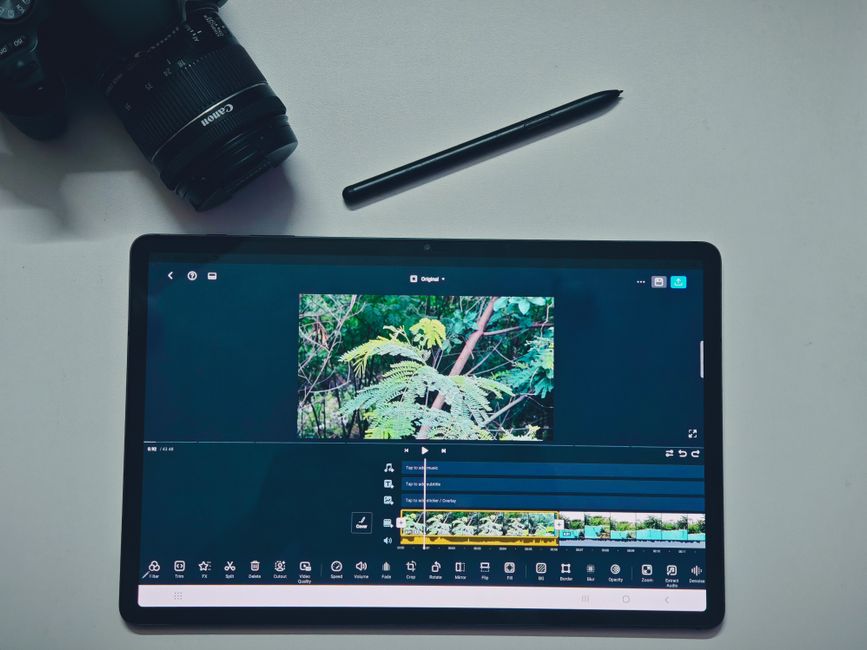
Best AI Tools for Video Editors 2026: Cut Faster, Deliver Better
Every video editor knows where the hours go: captions, cleanup, and the tedious passes that have nothing to do with the craft. In 2026 the AI tools have eaten most of those hours. The editors who adapt aren't being replaced - they're delivering faster and charging the same.
This is the honest guide to AI tools for video editors: what handles captions, what cleans the audio, what edits by transcript, and which free tiers do the real work.
Note: this page names paid tools. If you subscribe through any links here, RemoGrid may earn a commission at no extra cost to you.
Practical Tips to Get More Value From AI Tools
Getting consistent, high-quality results from AI tools comes down to how you integrate them into your day-to-day workflow. Most users treat AI software like an all-or-nothing replacement for their work, which leads to generic results and frustration. A more effective approach is to treat AI as a fast first-draft engine and research assistant.
When testing prompts or workflows, give the system clear context, output formatting constraints, and real examples of what you want. Avoid vague instructions like "write a good article" and instead provide a target audience, tone of voice, and explicit things to exclude. If an AI tool produces an inaccurate answer, do not simply regenerate the response with the same prompt. Tweak your constraints, add missing background context, and guide the tool step by step.
Keep your AI tool subscriptions lean. Most creators and professionals only need one general large language model subscription and perhaps one specialized creative tool. Paying for four or five separate AI apps that all use the same underlying foundation model is an unnecessary expense.
Workflow Integration and Avoiding AI Fatigue
The biggest productivity trap with new AI software is spending more time configuring templates and tweaking settings than actually completing tasks. To avoid this, establish a simple three-step system for every project: outline with AI assistance, produce the core draft, and manually review every fact, link, and stylistic nuance.
Always verify numbers, statistics, and tool pricing independently. While modern AI models have improved dramatically, hallucinations and outdated pricing data still occur regularly. Fact-checking key claims before hitting publish protects your credibility and ensures your readers receive reliable information.
Finally, keep security and privacy top of mind. Avoid pasting sensitive client documents, proprietary company code, or private personal information into free-tier AI tools unless you have verified that data retention and model training opt-outs are active.
The Short Answer
The practical AI stack for video editors is three tools: CapCut for the daily captions and cleanup, Descript for transcript-based editing, and the built-in AI in the professional suites (Premiere Pro and DaVinci Resolve both shipped features). The free tiers cover a surprising amount of the daily work.
The Caption Layer
| Tool | What it does | Free tier |
|---|---|---|
| CapCut | Auto-captions, styles | Generous |
| Premiere Pro | Auto captions in app | Paid |
| DaVinci Resolve | Caption support | Free version |
Captions are the single biggest time-saver AI brought to editing. The auto-caption features transcribe and timestamp in one pass, with styling options that match the brand. For social video, the captions are half the watch - the AI does in seconds what took manual work before.
The Cleanup Layer
Audio cleanup is the other silent time-saver:
- Noise removal - hum and hiss gone in one click
- De-reverb - room echo reduced
- Level balancing - volume evened across the clip
- Voice isolation - speaker separated from the background
The AI cleanup tools fix in seconds what used to take filters and careful listens. The output isn't studio-perfect, but it's good enough for the web - which is where most video lives.
The Transcript Editing Layer
Descript's transcript-based editing is the workflow change. The video becomes text: cut a line in transcript and footage cuts with it. For interviews, podcasts, and talking-head content, that's the difference between an hour of editing and ten minutes. The catch is the learning curve - it's a different way of thinking about a cut.
The Professional Suite AI
The big suites added their own AI rather than losing editors to the new tools:
- Premiere Pro - AI captions, scene edits, and effects
- DaVinci Resolve - AI magic mask and color tools
- Final Cut Pro - AI features in the workflow
For editors already paying for a suite, the built-in AI covers the caption and cleanup work without a new subscription. The standalone tools still win on the specific jobs, but the suites are catching up.
The Honest Limits
- AI captions need proofing - names and accents get mangled
- AI cleanup can over-process - music and effects suffer
- AI can't make the creative call - cut stays human
The tools accelerate, they don't decide. The editors delivering the best work are the ones using AI for the grind and spending their actual time on pacing, story, and the moments that make a cut land.
What I'd Actually Do
Put CapCut's free tier to work on captions and cleanup today. Add Descript when you edit talking-head or interview content regularly. Use the AI in the suite you already pay for before buying anything new. Proof every auto-caption before delivery, and keep the creative control where it belongs. The tools are the reason you deliver faster; the judgment is the reason you still get paid.
Final Takeaway
The AI tools for video editors in 2026 remove the repetitive hours - captions, cleanup, and transcript editing - without removing the craft. CapCut's free tier and the suites' built-in AI cover most of the daily work, and Descript changes the workflow for the content types that suit it. The editors who adapt deliver faster and keep their rates; the tools do the grind, the editor does the cut.
Also read: the remote work angle in remote video editing jobs in Kenya, the captions in best AI transcription tools 2026, and the video generation in best AI video generators 2026.
Frequently Asked Questions
The working set is CapCut for captions and cleanup, Descript for transcript-based editing, and the editor suites' own AI features.
CapCut's free tier covers captions, background removal, and templates. DaVinci Resolve's free version is a full editor.
Yes - AI cleanup tools remove noise and hum automatically. Most editor suites now include it.
CapCut's free tier covers most work. Paid tiers run $10–30 a month. Professional suites cost more.
It removes the repetitive work. The creative decisions - pacing, storytelling, the cut - stay with the editor.
Yes, the automatic captions are fast and accurate for clean audio, which saves the manual subtitle work. The editor reviews the output for the names and the terms the AI gets wrong.
Yes, the AI upscaling tools sharpen and clean the low-resolution footage, within the limits of the source material. The improvement is real but not magic, and the best results start from the best source.

Alex Morgan is the founder and lead editor of RemoGrid. With over six years of hands-on experience in remote operations, cross-border freelance workflows, and AI tool benchmarking, Alex independently tests and audits software platforms to help modern digital workers build sustainable online income streams. He regularly reviews international payment systems (Wise, Stripe, Payoneer, local mobile wallets) and conducts real-world usability benchmarks across AI productivity tools.


