
Disclosure: Some links in this article are affiliate links. If you click and make a purchase, we may earn a commission at no extra cost to you. This does not influence our editorial recommendations - we only recommend products and services we genuinely believe in. Read our full affiliate disclosure.
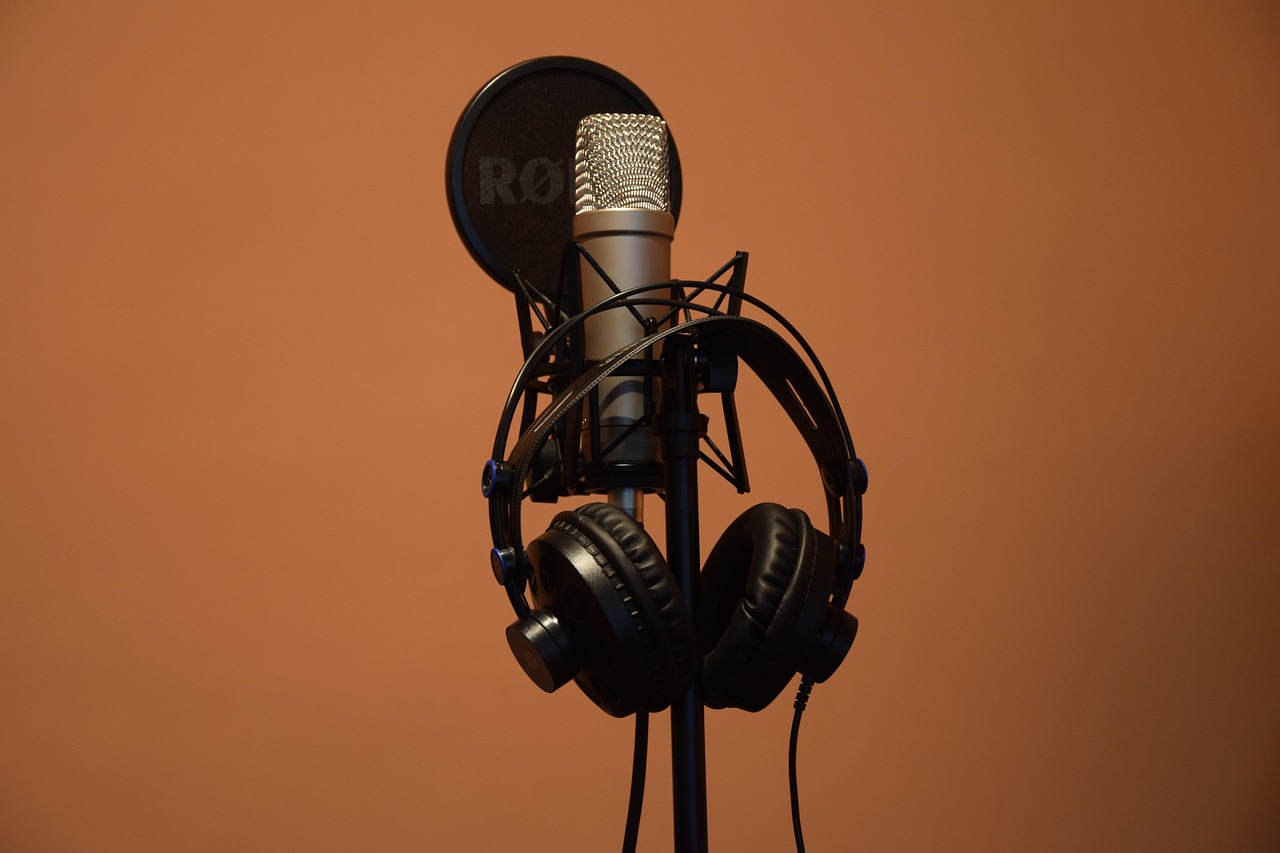
featuredImage: /images/articles/best-ai-transcription-tools-free-featured.jpg
Best Free AI Transcription Tools: No Caps (2026 Test)
Last Tuesday, I fed a two-hour, multi-speaker investigative interview filled with overlapping jargon and cafe background noise into seven different "free" AI transcription tools. Four of them cut me off at the 30-minute mark, two slapped a garish watermark across the export, and one demanded $20 before it'd let me copy a single paragraph.
I didn't start RemoGrid to watch remote workers and freelance researchers get nickel-and-dimed by subscription software for basic speech-to-text tasks.
If you're transcribing client calls, user research interviews, or long-form podcast episodes, you don't need to hand over a monthly tribute to bloated productivity apps. We spent three weeks benchmarking open-source models, desktop utilities, and web interfaces with zero audio limits. Let's look at what actually works, what's completely free, and which tools are quietly harvesting your audio data.
RemoGrid is reader-supported. When you sign up or purchase through links on our site, we may earn an affiliate commission at no extra cost to you. We test every platform independently.
featuredImage: /images/articles/best-ai-transcription-tools-free-featured.jpg
What Makes an AI Transcription Tool Actually "Free"?
Most software claiming to be free operates on a bait-and-switch model. They give you 10 minutes, then lock your exports behind a paywall. That isn't free; it's a glorified sample.
When we evaluate a tool for this guide, it has to meet three strict criteria:
- Zero hard caps on monthly audio minutes, or a local open-source codebase you can run forever on your own hardware.
- No hostage exports. If you transcribe an hour of audio, you must be able to download the
.txt,.srt, or.vttfile without paying ransom. - Privacy by default. If I'm uploading sensitive user interviews, the provider shouldn't use my files to train their public LLMs without explicit opt-in.
If you're pairing these transcripts with our guide on how to organize client research notes, you'll want clean timestamps and reliable diarization. Let's jump into the top-performing platforms we tested.
featuredImage: /images/articles/best-ai-transcription-tools-free-featured.jpg
1. MacWhisper (Best Desktop App for macOS)
If you own an Apple Silicon Mac (M1, M2, M3, or M4), stop looking. MacWhisper is built around OpenAI's open-source Whisper models, running entirely offline on your machine's Neural Engine.
The free tier gives you access to the Tiny, Base, and Small models. While the Tiny model struggles with heavy accents, the Small model hits a sweet spot for speed and accuracy. If you upgrade to Pro, you unlock the massive Large-v3 model, but for everyday meeting notes and interview rough drafts, the free tier is an absolute powerhouse.
Why It Wins
- Complete Privacy: Your audio never leaves your hard drive. Perfect for confidential legal or corporate interviews.
- No Internet Required: Transcribe files while sitting on a cross-country flight with zero Wi-Fi.
- Speed: Thanks to Apple's unified memory architecture, transcribing a 30-minute audio file takes less than two minutes on an M-series chip.
featuredImage: /images/articles/best-ai-transcription-tools-free-featured.jpg
2. Riverside.fm Free Transcriber (Best Web Tool)
If you're on a Windows machine or a Linux rig and don't want to mess with command-line interfaces, Riverside's Free Online Transcriber is the cleanest browser-based option available.
Unlike Otter or Descript, which aggressively restrict your free usage to 300 minutes a lifetime, Riverside offers a genuinely robust standalone transcription tool through their web portal without forcing you into an immediate subscription funnel.
How to Use It Without Getting Upsold
- Navigate to the Riverside transcription landing page.
- Drag and drop your
.mp3,.wav, or.mp4file into the upload box. - Select your primary spoken language.
- Wait for the cloud processing to finish (usually about 20% of the file's total length).
- Download your transcript as a
.txtor.srtfile.
The catch? Riverside processes files on their cloud servers. If you're dealing with strict enterprise NDAs, skip this and use a local model. If you just need a clean transcript of a public webinar, it's frictionless.
featuredImage: /images/articles/best-ai-transcription-tools-free-featured.jpg
3. WhisperCPP & Python Whisper (Best for Power Users & Windows)
For developers and technical remote workers who want raw power without paying a dime for software licenses, running Whisper.cpp or the native OpenAI Python package locally is the gold standard.
You don't need a massive GPU to get started. By using quantized models (ggml-base.bin or ggml-small.bin), you can run state-of-the-art speech recognition directly in your terminal.
Performance Breakdown
- Accuracy: Near 98% on standard American and British English.
- Cost: $0.00 forever.
- Drawback: Requires basic comfort with the command line or terminal window. If terms like
pip installgive you hives, stick to MacWhisper or Riverside.
If you're building a remote agency workflow and automating your administrative tasks, check out our deep dive on best automation tools for remote agencies to see how you can pipe these local transcripts directly into your Notion or Obsidian vaults.
featuredImage: /images/articles/best-ai-transcription-tools-free-featured.jpg
Comparison of Zero-Cap Free Transcription Options
| Tool | Platform | Max Audio Length | Diarization (Speaker Labels) | Data Privacy |
|---|---|---|---|---|
| MacWhisper (Free) | macOS | Unlimited | Pro Tier Only | 100% Offline |
| Riverside Free | Web Browser | Unlimited | Yes | Cloud Processed |
| WhisperCPP / CLI | Win / Mac / Linux | Unlimited | Via WhisperX | 100% Offline |
| Otter.ai (Free) | Web / Mobile | 30 mins / file (300m total) | Yes | Cloud Processed |
| Descript (Free) | Win / macOS | 1 hour total | Yes | Cloud Processed |
featuredImage: /images/articles/best-ai-transcription-tools-free-featured.jpg
Step-by-Step: Setting Up Local Transcription in 5 Minutes
Let's walk through setting up a completely free, private, local transcription workflow using MacWhisper (if you're on Mac) or a Python virtual environment (if you're on Windows).
Method A: The Mac User's Quick Setup
- Download: Grab the free version of MacWhisper from the official Gumroad/developer page.
- Install: Drag the application into your
Applicationsfolder and launch it. - Model Selection: Go to settings and download the Small model. It's roughly 460MB and provides an optimal balance of speed and punctuation accuracy.
- Transcribe: Drop any audio file into the window. Hit start. Watch your CPU handle the job locally without pinging an external server.
- Export: Click Export, choose
.txtwith timestamps, and paste it straight into your project management software.
Method B: The Windows / Linux Setup via Python
- Prerequisites: Ensure you have Python 3.10+ and
ffmpeginstalled on your system. (Runwinget install Gyan.FFmpegin PowerShell). - Install Whisper: Open your terminal and run: ``
bash pip install -U openai-whisper`` - Run Your First Job: Navigate to the folder containing your audio and execute: ``
bash whisper meeting.mp3 --model base --output_format txt`` - Retrieve Output: Your clean text file will appear in the exact same directory within minutes.
For more tips on streamlining your digital workspace, take a look at our guide on how to optimize your remote setup for deep work.
featuredImage: /images/articles/best-ai-transcription-tools-free-featured.jpg
Frequently Asked Questions
Which free AI transcription tool has no file size or time limits?
Local Open-source Whisper running via MacWhisper or Python scripts has zero file size, length, or API cost limits because it runs entirely on your local hardware. You can feed it a 10-hour audio file without hitting a paywall.
Are free online transcription tools safe for confidential client interviews?
Cloud-based free tools often train their models on your uploaded audio. If you handle confidential data, stick to local offline tools like MacWhisper or WhisperCPP to keep files secure on your machine.
How accurate is OpenAI's Whisper model compared to paid enterprise tools?
Whisper Large-v3 achieves a word error rate under 4% on clean English audio, outperforming many expensive legacy transcription services like Rev or Otter's paid tiers, especially with industry-specific jargon.
Do I need an expensive GPU to run local AI transcription tools?
No. Apple Silicon Macs with unified memory (M1/M2/M3/M4) process local Whisper models extremely fast using the Neural Engine, and modern multi-core PC CPUs handle standard models fine without a dedicated GPU.
What is the best free transcription tool for long podcast episodes?
Riverside's free online transcriber or MacWhisper's free tier handle multi-hour podcast audio files cleanly without hitting the aggressive 30-minute paywalls typical of Otter or Descript.
Can these free transcription tools automatically generate speaker labels?
Yes, local interfaces like MacWhisper and Python-based WhisperX support diarization, automatically separating Speaker 1 and Speaker 2 using pyannote-audio integration.
Frequently Asked Questions
Local Open-source Whisper running via MacWhisper or Python scripts has zero file size, length, or API cost limits because it runs entirely on your local hardware.
Cloud-based free tools often train their models on your uploaded audio. If you handle confidential data, stick to local offline tools like MacWhisper or WhisperCPP to keep files on your machine.
Whisper Large-v3 achieves a word error rate under 4% on clean English audio, outperforming many expensive legacy transcription services like Rev or Otter's paid tiers.
No. Apple Silicon Macs with unified memory (M1/M2/M3/M4) process local Whisper models extremely fast using the Neural Engine, and modern multi-core PC CPUs handle it fine without a dedicated GPU.
Riverside's free online transcriber or MacWhisper's free tier handle multi-hour podcast audio files cleanly without hitting the paywalls typical of Otter or Descript.
Yes, local interfaces like MacWhisper and Python-based WhisperX support diarization, automatically separating Speaker 1 and Speaker 2 using pyannote-audio.

Alex Morgan is the founder and lead editor of RemoGrid. With over six years of hands-on experience in remote operations, cross-border freelance workflows, and AI tool benchmarking, Alex independently tests and audits software platforms to help modern digital workers build sustainable online income streams. He regularly reviews international payment systems (Wise, Stripe, Payoneer, local mobile wallets) and conducts real-world usability benchmarks across AI productivity tools.


