Best AI Video Upscalers in 2026: Topaz Video AI vs Free Open-Source Tools
Disclosure: Some links in this article are affiliate links. If you click and make a purchase, we may earn a commission at no extra cost to you. This does not influence our editorial recommendations - we only recommend products and services we genuinely believe in. Read our full affiliate disclosure.
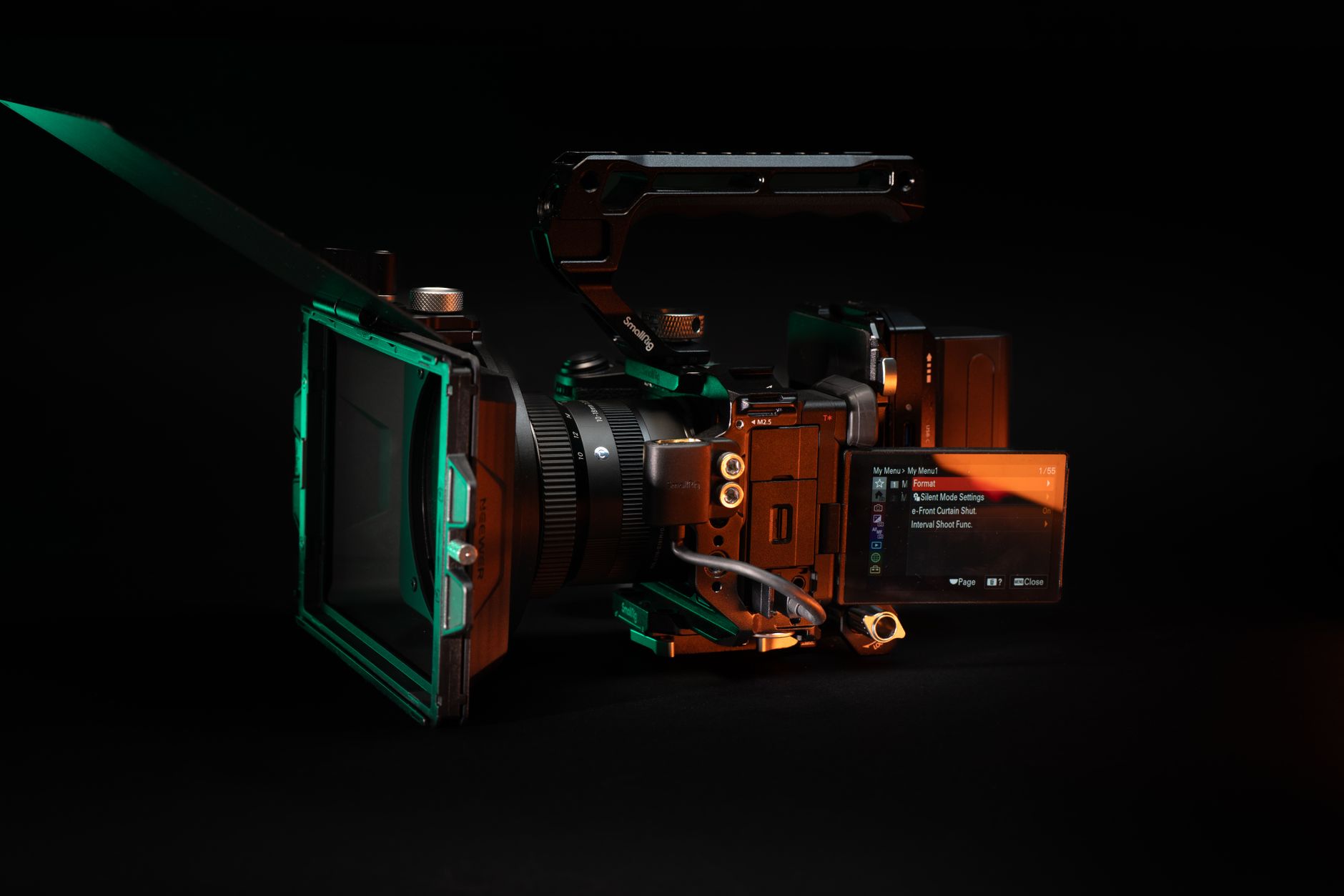
Whether restoring vintage family camcorder footage, enhancing compressed YouTube downloads, or preparing old client video assets for crisp 4K commercial broadcasting, AI video upscaling has replaced traditional bicubic scaling with deep neural reconstruction.
While Topaz Video AI ($299) has long stood as the gold standard in Hollywood production houses, powerful free open-source neural networks now offer remarkable quality without the enterprise price tag.
Here is the comprehensive 2026 guide to the best AI video upscalers.
Comparison: Commercial Leader vs Free Open-Source
| Tool | Price | Core AI Models | Motion Interpolation (FPS) | Best For |
|---|---|---|---|---|
| Topaz Video AI v5 | $299 (One-time) | Proteus, Iris, Gaia, Nyx | Apollo / Chronos (120fps) | High-end commercial video & faces |
| Video2X | 100% Free (Open Source) | Real-ESRGAN, Waifu2x, RIFE | RIFE AI (Up to 60fps) | General video, anime, retro gaming |
| Upscayl | 100% Free | Remacri, Ultramix, Digital Art | Image-to-video batching | Quick desktop upscaling |
| CapCut AI Video Enhancer | Free / Freemium | ByteDance Proprietary | Auto 60fps | Social media creators & TikTok |
| DaVinci Resolve Studio | $295 (Included) | Super Scale AI | Optical Flow | Professional colorists & NLE editors |
1. Topaz Video AI v5: The Industry Standard
Topaz Video AI continues to lead professional post-production workflows because it does not just enlarge pixels - it repairs damaged video frames:
- Iris Model for Human Faces: Iris detects distant, blurry faces in low-resolution footage and reconstructs recognizable eyes, lips, and facial hair without introducing plastic AI artifacts.
- Nyx Model for Extreme Low-Light Denoise: Eliminates heavy sensor ISO noise from night footage while preserving sharp architectural lines.
- Frame Interpolation (Chronos / Apollo): Turns jittery 24fps drone or action footage into buttery-smooth 60fps or 120fps slow motion with zero frame blending ghosts.
2. Video2X: The Ultimate Free Open-Source Solution
Video2X is a battle-tested open-source video upscaling framework powered by Vulkan and CUDA:
- Real-ESRGAN Integration: Delivers razor-sharp 4x upscaling on live-action footage.
- RIFE Motion Interpolation: Generates intermediate frames with cutting-edge optical flow algorithms.
- Hardware Agnostic: Thanks to Vulkan drivers, Video2X runs on AMD Radeon, Intel Arc, and NVIDIA GeForce GPUs alike.
3. Best Free Workflow: Upscaling a Video for Free
If you want to upscale a video to 4K without spending a dime:
- Download Video2X (GUI release) from GitHub.
- Select your video input file and choose the Real-ESRGAN-AnimeVideo-v3 (for animated content) or Real-ESRGAN general (for live-action).
- Set your target resolution to 3840x2160 (4K).
- Enable GPU Acceleration (Vulkan).
- Hit Start. Once processed, compare side-by-side using VLC player to see dramatic clarity and edge contrast improvements.
Frequently Asked Questions
Open-source tools using Real-ESRGAN and RIFE models match Topaz in raw edge sharpness and frame interpolation for anime and clean footage, but Topaz Video AI remains superior for complex facial detail recovery, motion blur removal, and film grain preservation.
On an NVIDIA RTX 4070 or Apple M3 Max, upscaling a 10-minute 1080p clip to 4K takes approximately 15 to 30 minutes depending on the AI model complexity.
Video2X and Upscayl (video mode) are the top free open-source video upscalers, featuring batch processing, GPU acceleration via Vulkan, and zero watermarks.
AI upscalers use generative neural networks trained on millions of high-resolution images to reconstruct realistic textures (such as skin pores, fabric weaves, and distant foliage) that were lost during original compression.

Alex Morgan is the founder and lead editor of RemoGrid. With over six years of hands-on experience in remote operations, cross-border freelance workflows, and AI tool benchmarking, Alex independently tests and audits software platforms to help modern digital workers build sustainable online income streams. He regularly reviews international payment systems (Wise, Stripe, Payoneer, local mobile wallets) and conducts real-world usability benchmarks across AI productivity tools.