Best Free AI Headshot Generators for LinkedIn Profiles in 2026 (No Subscriptions)
Disclosure: Some links in this article are affiliate links. If you click and make a purchase, we may earn a commission at no extra cost to you. This does not influence our editorial recommendations - we only recommend products and services we genuinely believe in. Read our full affiliate disclosure.
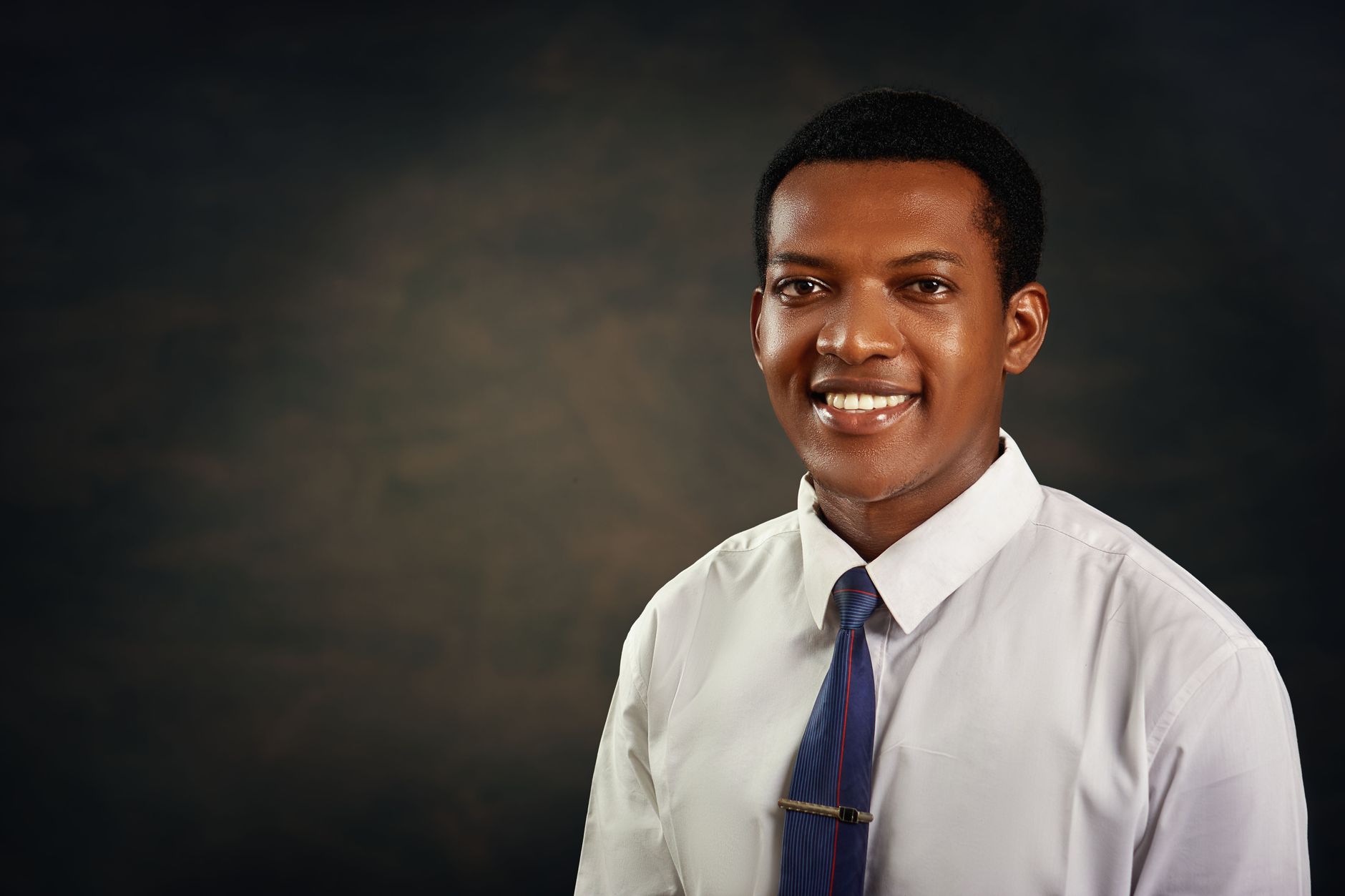
A professional LinkedIn profile photo can dramatically increase recruiter outreach, connection request acceptance rates, and consulting inquiries. Yet traditional professional studio photography costs anywhere from $150 to $400, and commercial AI headshot services (like Aragon or HeadshotPro) charge $35 to $60 upfront.
In 2026, you can generate crisp, executive-grade corporate headshots for 100% free using modern identity-preserving diffusion models.
Here are the best free tools and proven prompt workflows to upgrade your personal branding today.
Comparison of Free AI Headshot Tools
| Tool / Platform | Cost | Setup Needed | Quality / Realism | Best Suit / Attire Options |
|---|---|---|---|---|
| InstantID (HuggingFace) | 100% Free | None (Web Demo) | ★★★★★ (Zero plastic skin) | Custom prompt control |
| PhotoMaker v2 (HF) | 100% Free | None (Web Demo) | ★★★★☆ (Consistent likeness) | Corporate studio presets |
| Fooocus (Local SDXL) | 100% Free | Gaming PC / GPU | ★★★★★ (Ultra-photorealistic) | Full custom wardrobe control |
| Canva AI Magic Edit | Free Tier | Canva Account | ★★★☆☆ (Good for quick swaps) | Manual brush editing |
1. InstantID on HuggingFace (The Best Zero-Cost Web Tool)
InstantID is an identity-preserving AI framework that maintains your exact facial structure from a single reference image without hours of model training:
How to Generate Your Headshot:
- Search HuggingFace for "InstantID Official Demo".
- Upload one high-resolution selfie where your face is clearly visible, well-lit, and facing forward.
- In the Prompt box, paste the following tested executive prompt: > "Professional corporate headshot of a business executive in a tailored charcoal navy blazer, crisp white collared shirt, modern blurred glass architectural office background, soft studio lighting, 85mm portrait lens, photorealistic, natural skin pores, high resolution."
- In the Negative Prompt box, add: > "plastic skin, cartoon, anime, blurry, distorted eyes, extra fingers, cartoonish, oversaturated, low quality."
- Click Submit. In 30 to 45 seconds, the system generates a studio-grade portrait that preserves your natural facial identity.
2. PhotoMaker v2: Multi-Angle Likeness
If you have 2 to 4 different selfies from various angles, PhotoMaker v2 combines them to understand your face in three dimensions:
- Upload multiple pictures: One smiling, one serious, and one three-quarter angle.
- Select Preset: Choose "Cinematic" or "Photographic".
- It eliminates the "one-photo distortion" common in older generation engines, producing lifelike results suitable for C-suite executive bios.
3. Proven Rules for Taking Input Selfies
The quality of your output is 90% determined by your input photos:
- Natural Sunlight: Stand facing an open window during daytime. Avoid harsh overhead fluorescent bulbs or yellow bedroom lamps.
- Neutral Eye-Level Angle: Hold your smartphone directly at eye level. Do not take high-angle "MySpace" shots or low-angle chin shots.
- No Accessories: Remove sunglasses, hats, and wired headphones. If you wear prescription glasses every day, keep them on.
- Resolution: Use your phone's back camera (higher megapixel count and optical sharpness) rather than the compressed front selfie camera.
Ethical and LinkedIn Compliance Guidelines
- Keep Your Natural Age: Don't prompt the AI to de-age you by 15 years. When you hop on a live video interview with a recruiter or client, jarring discrepancies can damage trust.
- Export Resolution: Ensure your final crop is a square 800x800 or 1200x1200 pixel JPEG/PNG for razor-sharp rendering on mobile and desktop LinkedIn feeds.
Frequently Asked Questions
Yes! Open-source models like InstantID and PhotoMaker hosted on HuggingFace Spaces generate high-resolution professional headshots for free with zero sign-up or credit card required.
If generated properly using high-fidelity diffusion models with balanced lighting and natural skin textures, modern AI headshots are virtually indistinguishable from professional studio photography.
Upload 3 to 5 clear, well-lit photos taken at eye level with neutral expressions. Avoid sunglasses, heavy hats, group photos, or aggressive Snapchat filters.
Yes! Using prompt-based tools, you can specify dark navy blazers, crisp white collared shirts, modern studio backdrops, or blurred executive office backgrounds.

Alex Morgan is the founder and lead editor of RemoGrid. With over six years of hands-on experience in remote operations, cross-border freelance workflows, and AI tool benchmarking, Alex independently tests and audits software platforms to help modern digital workers build sustainable online income streams. He regularly reviews international payment systems (Wise, Stripe, Payoneer, local mobile wallets) and conducts real-world usability benchmarks across AI productivity tools.