How to Pay for Midjourney in India Without an International Credit Card in 2026
Disclosure: Some links in this article are affiliate links. If you click and make a purchase, we may earn a commission at no extra cost to you. This does not influence our editorial recommendations - we only recommend products and services we genuinely believe in. Read our full affiliate disclosure.
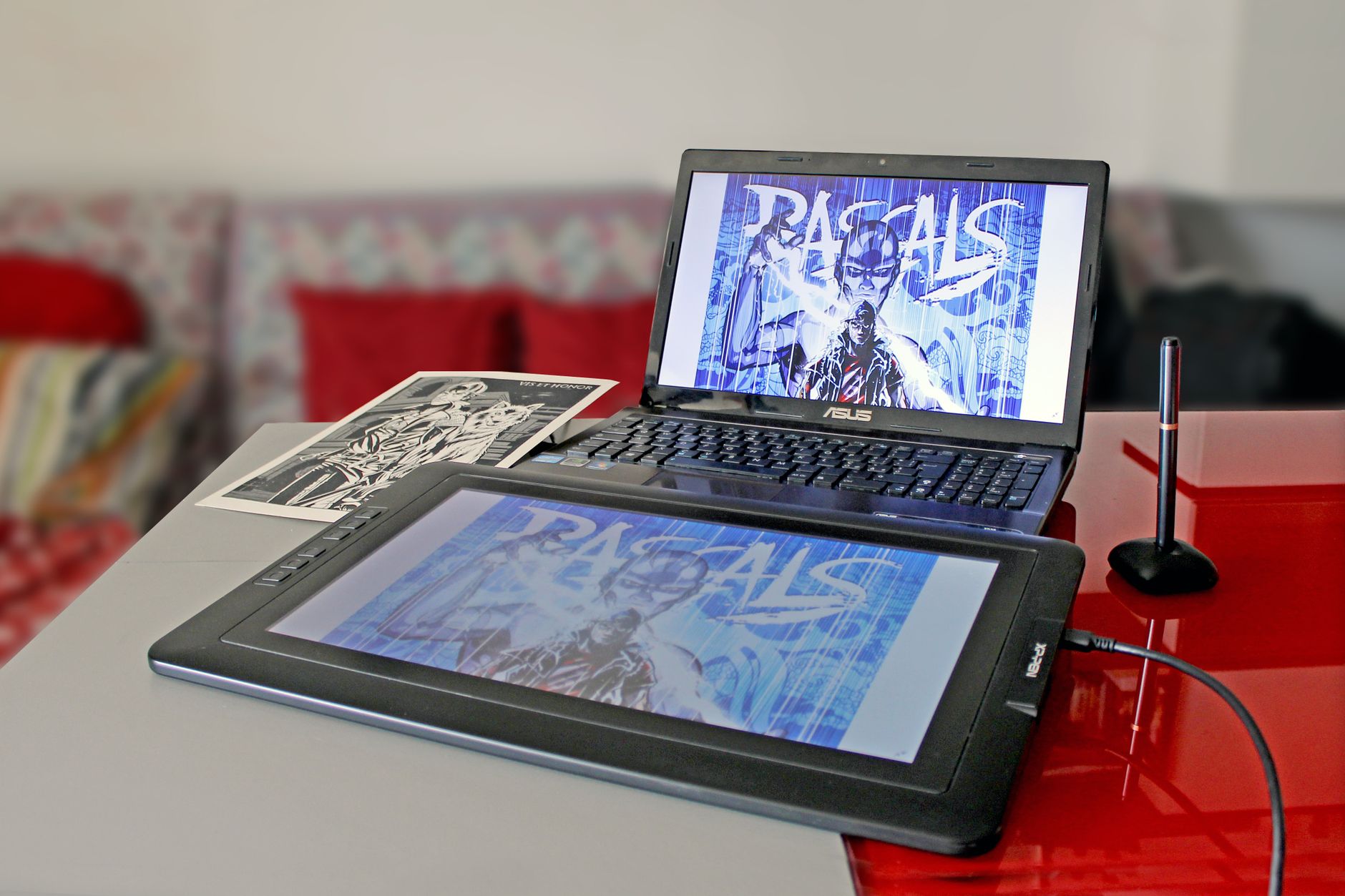
Midjourney v6.5 and v7 remain the gold standard for photorealistic AI imagery, concept art, and commercial product rendering. To use Midjourney on Discord or the web portal, you need an active subscription:
- Basic Plan: $10/month (~₹840 INR)
- Standard Plan: $30/month (~₹2,520 INR)
- Pro Plan: $60/month (~₹5,040 INR)
- Mega Plan: $120/month (~₹10,080 INR)
However, thousands of Indian creators, designers, and students run into this frustrating message at the Stripe checkout:
"Your card does not support this type of purchase. Please try another card."
The root cause is the Reserve Bank of India (RBI) e-mandate regulations, which require recurring subscription platforms to implement mandatory domestic OTP authentication. Because Midjourney does not support domestic Indian OTP servers, standard debit cards are automatically rejected.
Here is the step-by-step blueprint to pay for Midjourney from India without a corporate credit card.
Midjourney Payment Solutions for Indian Creators
| Payment Method | Requirements | Expected Success Rate | Fees / Taxes |
|---|---|---|---|
| PayPal + International Debit Card | Verified Indian PayPal Account | 95% | ~3.5% Forex markup |
| HDFC / ICICI Global Debit Card | NetBanking App toggle enabled | 88% | Standard Bank Forex |
| State Bank of India (SBI) Global | SMS activation for Intl E-com | 80% | Lowest bank fees |
| Virtual USD Neobanks (RedotPay / Wise) | Passport / Aadhaar KYC | 99% | Minimal crypto/conversion fee |
Method 1: The PayPal Bypass (Most Reliable for Indian Cards)
Stripe often fails on direct Indian debit card processing, but when you route the transaction through PayPal, the payment is treated as an authorized merchant billing agreement.
How to Set It Up:
- Create or Log Into PayPal India: Go to
paypal.com/inand sign into your account. - Link Your Debit Card: Add your Visa or Mastercard debit card (Rupay cards generally do not work for international recurring payments).
- Verify the Small Charge: PayPal will charge ₹1–₹2 to verify your card. Authorize the SMS OTP.
- Subscribe on Midjourney: - Log into Discord or go to
midjourney.com/account. - Select your desired plan (e.g., Basic $10). - In the Stripe checkout window, select PayPal instead of entering card details. - Authorize the recurring payment inside the PayPal popup window.
Method 2: Enabling International POS/E-Com on Your Indian Debit Card
Many Indian cards fail simply because the international usage toggle is switched off by default as a cybersecurity measure.
For HDFC Bank Users:
- Open the HDFC MobileBanking app.
- Navigate to Cards > Debit Cards > Select your card.
- Tap Card Control > International Transactions.
- Enable International Online / E-commerce Usage and set a daily limit of at least ₹5,000.
- Save changes with OTP.
For State Bank of India (SBI) Users:
- Send an SMS from your registered mobile number:
SWON INTLto 567676. - Or open Yono SBI > Service Requests > ATM/Debit Card > Manage Usage > Turn ON International Usage.
For ICICI Bank Users:
- Open iMobile Pay app.
- Go to Services > Cards > Manage Debit Card.
- Toggle ON International Online Usage.
Method 3: Using a Virtual Dollar Card (Zero Bank Headaches)
If your bank still blocks the payment due to RBI recurring mandates, use an international virtual debit card:
- Sign up for RedotPay or Elevate Pay.
- Complete quick identity verification with your Indian Passport or Voter ID.
- Fund your account using cryptocurrency (USDT via P2P on Binance) or an international transfer.
- Enter the virtual card credentials on Midjourney's Stripe checkout. Because the card is issued with an international BIN, Stripe processes it with zero OTP friction.
Tax Note: Indian GST (18%) on Digital Services
When purchasing foreign digital services, keep in mind:
- If Midjourney detects an Indian IP or billing address, you may see 18% IGST (Integrated Goods and Services Tax) added to your invoice ($10 becomes $11.80).
- If you have an active Indian GSTIN (for agency or freelance business work), you can input your GST number at checkout to claim Input Tax Credit (ITC).
Frequently Encountered Checkout Errors
- "Card Declined - Contact Bank": Your bank's automated fraud detection blocked the cross-border transaction. Call your bank's customer service number on the back of the card and request them to whitelist foreign transactions for 1 hour.
- "Zip Code Invalid": Always enter the exact 6-digit PIN code associated with your Indian bank account address.
Frequently Asked Questions
The Reserve Bank of India (RBI) mandates Additional Factor Authentication (AFA/OTP) and recurring e-mandate registration for subscriptions. International merchants like Stripe/Midjourney often do not support Indian OTP gateways.
Yes! Linking your Indian Visa or Mastercard debit card to PayPal and selecting PayPal as the payment option on Stripe bypasses domestic OTP failures.
Midjourney does not natively accept UPI directly on their web portal. However, you can fund a virtual dollar card or PayPal using UPI-supported bank accounts.
HDFC Bank Millennia Global Debit, ICICI Sapphiro, Axis Bank Burgundy, and Kotak 811 (with international usage enabled via the app) have the highest approval rates.

Alex Morgan is the founder and lead editor of RemoGrid. With over six years of hands-on experience in remote operations, cross-border freelance workflows, and AI tool benchmarking, Alex independently tests and audits software platforms to help modern digital workers build sustainable online income streams. He regularly reviews international payment systems (Wise, Stripe, Payoneer, local mobile wallets) and conducts real-world usability benchmarks across AI productivity tools.