How to Pay for Midjourney With GCash in the Philippines (2026 Step-by-Step)
Disclosure: Some links in this article are affiliate links. If you click and make a purchase, we may earn a commission at no extra cost to you. This does not influence our editorial recommendations - we only recommend products and services we genuinely believe in. Read our full affiliate disclosure.
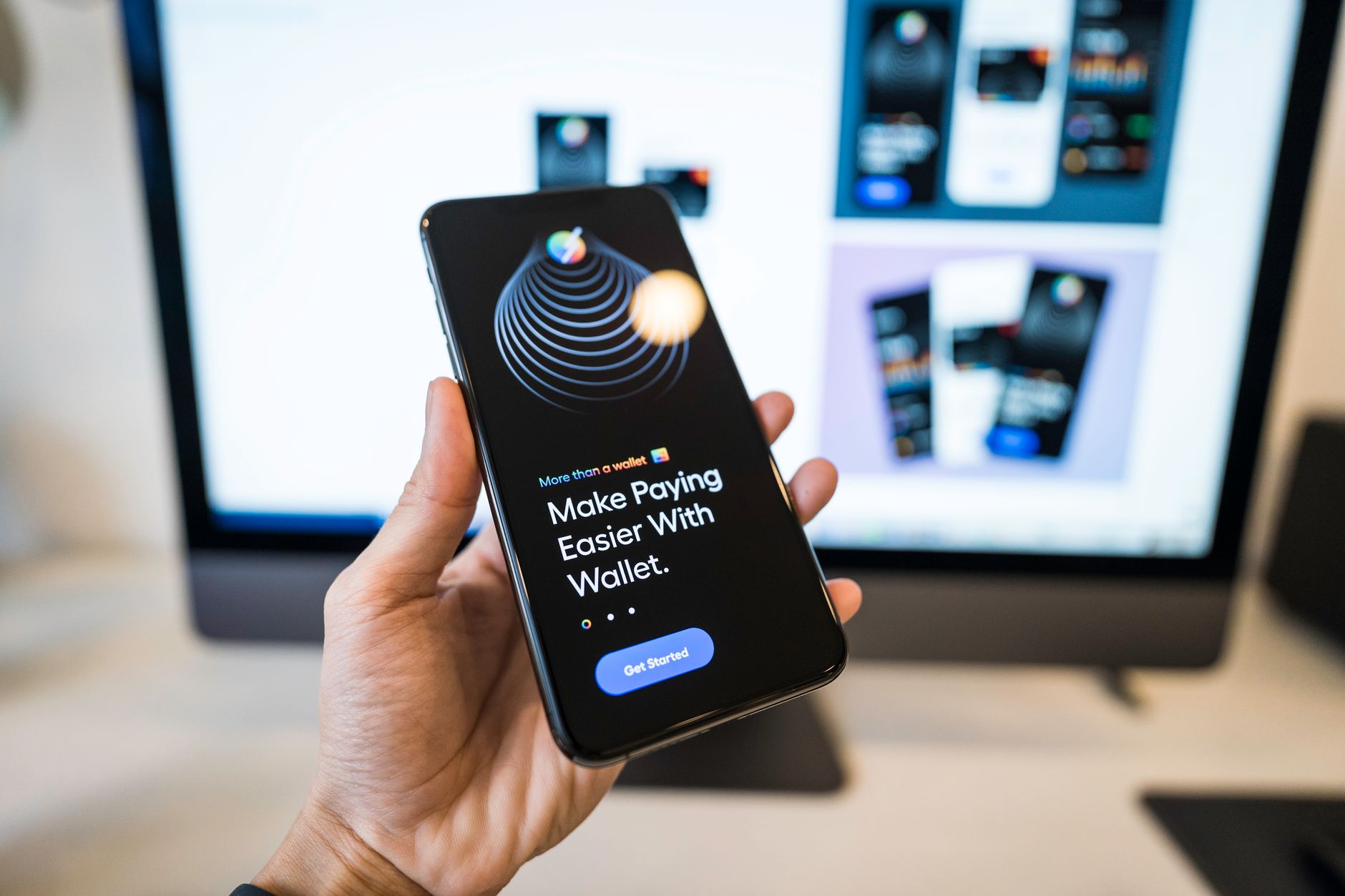
For graphic designers, digital illustrators, and agency freelancers in the Philippines, Midjourney is an essential generative AI tool for concept pitch decks, character design, and architectural visualization.
However, many Filipino creators do not own traditional international credit cards. Attempting to enter ordinary local ATM cards on Midjourney's Stripe checkout usually triggers immediate declines.
Fortunately, you can easily pay for Midjourney using GCash. Here is the complete step-by-step guide for 2026.
Method 1: GCash American Express Virtual Pay (Fastest Web Setup)
GCash provides every fully verified user with a free American Express Virtual Pay card specifically designed for US online stores that require US billing addresses.
Step-by-Step Activation:
- Open your GCash App.
- Tap Profile (bottom right) > My Linked Accounts.
- Select American Express Virtual Pay.
- Tap Get Started or Activate. You will instantly receive: - A 15-digit card number. - An expiry date and 4-digit Security Code (CVV). - A US Billing Address in California or Oregon (with a US ZIP code).
- Ensure your GCash wallet has a minimum balance of ₱700 PHP for the $10 Basic Plan (to account for forex buffers).
- Go to
midjourney.com/account, select your plan, and enter your GCash Amex card details. - Enter the US billing address and ZIP code provided in your GCash Amex tab.
- Click Subscribe - the transaction clears immediately!
Method 2: Linking GCash Visa Card to PayPal (Most Reliable)
If you own a physical or virtual GCash Visa Card, routing it through PayPal eliminates automated Stripe fraud rejections:
- Open your PayPal Philippines account (or create one at
paypal.com/ph). - Go to Wallet > Link a debit or credit card.
- Enter your 16-digit GCash Visa Card number.
- Authorize the small verification charge via your GCash SMS notification.
- In the Midjourney Stripe checkout window, select PayPal as your payment method.
- Authorize the monthly charge inside the PayPal popup window.
Price Breakdown in Philippine Pesos (PHP)
| Midjourney Plan | USD Price | Estimated PHP Equivalent | Recommended GCash Balance |
|---|---|---|---|
| Basic Plan | $10.00 / mo | ~₱590.00 | Maintain at least ₱750 |
| Standard Plan | $30.00 / mo | ~₱1,780.00 | Maintain at least ₱2,000 |
| Pro Plan | $60.00 / mo | ~₱3,560.00 | Maintain at least ₱3,900 |
(Note: Always keep a 10% cash buffer in your GCash wallet to cover international processing charges and currency fluctuation).
Troubleshooting Common Decline Errors
- Insufficient Balance: GCash will instantly decline international transactions if your balance is even ₱1 below the total conversion amount including fees.
- Card Inactive: In your GCash Amex tab, make sure the card toggle is set to Active.
- SMS Security Code: If Stripe requires a 3DS SMS code, ensure your registered Philippine mobile SIM has cellular reception to receive the 6-digit OTP.
Frequently Asked Questions
Midjourney uses Stripe checkout which does not have a direct "GCash QR" button. However, by using GCash American Express Virtual Pay or the GCash Visa Card, you can pay directly on Stripe in under 3 minutes.
The Basic Plan ($10) costs approximately ₱580–₱620 PHP. The Standard Plan ($30) is roughly ₱1,750–₱1,850 PHP, depending on foreign exchange rates and local transaction fees.
Yes! Your GCash account must be Fully Verified (with a valid Philippine government ID and selfie verification) to enable international transactions and card generation.
Link your GCash Visa card to PayPal Philippines, and select PayPal as the checkout option on Midjourney. This eliminates 99% of Stripe bank declines.

Alex Morgan is the founder and lead editor of RemoGrid. With over six years of hands-on experience in remote operations, cross-border freelance workflows, and AI tool benchmarking, Alex independently tests and audits software platforms to help modern digital workers build sustainable online income streams. He regularly reviews international payment systems (Wise, Stripe, Payoneer, local mobile wallets) and conducts real-world usability benchmarks across AI productivity tools.