
Best Invoicing Software for Freelancers in 2026: Free and Paid Options
Disclosure: Some links in this article are affiliate links. If you click and make a purchase, we may earn a commission at no extra cost to you. This does not influence our editorial recommendations - we only recommend products and services we genuinely believe in. Read our full affiliate disclosure.
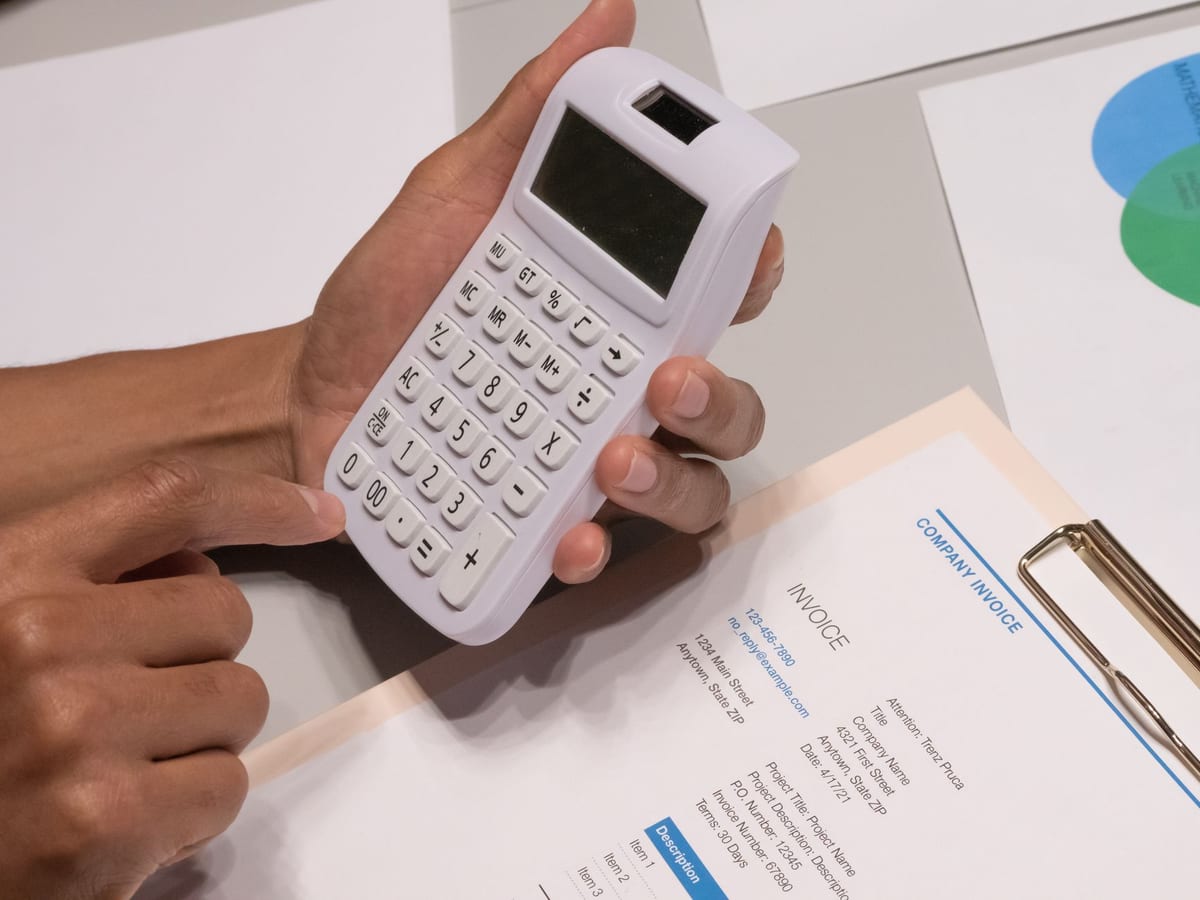
Getting paid on time is one of the most frustrating parts of freelancing. Professional invoicing software solves the problem with automated reminders, online payment links, and clear records that make following up on late payments easy.
In 2026, there are excellent free and affordable options for every stage of a freelance business. Here are the best invoicing tools for freelancers.
What Freelancers Need in Invoicing Software
- Professional invoice templates with your logo and brand
- Online payment acceptance (credit cards, ACH, PayPal)
- Automatic payment reminders for late invoices
- Expense tracking for tax purposes
- Client portal (optional but useful)
- Project time tracking integration
- Mobile app for invoicing on the go
Best Invoicing Software for Freelancers in 2026
1. Wave - Best Free Option
Price: Free (invoicing + accounting) / Payments: 2.9% + $0.60 per transaction
Wave is the most popular free invoicing and accounting tool for freelancers and small businesses. Its invoicing, expense tracking, and accounting features are completely free - the only cost is payment processing fees when clients pay online.
Key features:
- Unlimited invoices and clients (free)
- Custom invoice templates with your logo
- Automated payment reminders
- Accept credit cards, bank transfers, and Apple Pay
- Receipt scanning (mobile app)
- Double-entry bookkeeping (proper accounting)
- Profit/loss reports for tax time
Best for: Freelancers on tight budgets who want professional invoicing and basic accounting at zero cost.
Limitation: Limited project management; no contract features; phone support requires payment.
2. FreshBooks - Best for Established Freelancers
Price: Lite $19/month (5 clients) / Plus $33/month (50 clients) / Premium $60/month (unlimited)
FreshBooks is purpose-built for self-employed professionals and small service businesses. It's the most polished, user-friendly invoicing experience available - and it includes time tracking, expense management, and detailed reporting.
Key features:
- Professional, customizable invoice templates
- Automated late payment reminders (3-level escalation)
- Time tracking built in (bill directly from timer to invoice)
- Expense tracking with receipt capture
- Project collaboration tools
- Client retainer invoicing
- Recurring invoice automation
- Strong mobile app
Best for: Freelancers billing $3,000+/month who want a polished, integrated system.
Limitation: Price increases significantly as client count grows; more expensive than alternatives.
3. HoneyBook - Best for Client Experience
Price: Starter $19/month / Essentials $39/month / Premium $79/month
HoneyBook goes beyond invoicing - it's a full client management platform for creative freelancers (photographers, designers, wedding vendors, event planners). It handles proposals, contracts, invoices, and client communication all in one workflow.
Key features:
- Proposal + contract + invoice in one document flow
- e-Signature for contracts (legally binding)
- Automated workflow triggers (send contract → client signs → invoice auto-sends)
- Client portal where clients see all project communications
- Scheduler (replaces Calendly)
- Project pipeline view
- Questionnaires and intake forms
Best for: Creative freelancers who want to professionalize the entire client journey from inquiry to payment.
4. QuickBooks Self-Employed - Best for Tax Integration
Price: $15/month / With TurboTax bundle $25/month
If you're in the US and file taxes quarterly as a self-employed person, QuickBooks Self-Employed is purpose-built for your situation. It automatically categorizes expenses, tracks mileage, and estimates quarterly tax payments.
Key features:
- Automatic expense categorization
- Mileage tracking (GPS on mobile)
- Quarterly estimated tax calculation
- One-click tax export to TurboTax
- Invoicing with online payment
- Profit tracking
Best for: US-based freelancers who want seamless quarterly tax management integrated with their invoicing.
5. And.co (by Fiverr) - Best Free All-in-One for New Freelancers
Price: Free (limited) / Pro $18/month
And.co provides invoices, contracts, time tracking, and basic proposals in a clean interface. The free tier is genuinely useful for freelancers just getting started.
Key features:
- Invoicing with online payment (Stripe/PayPal)
- Freelance contract templates
- Time tracking
- Expense tracking
- Project management basics
Best for: New freelancers who want a free, simple, integrated tool for their first year.
6. Bonsai - Best for Freelance Business Complete Package
Price: Starter $25/month / Professional $39/month / Business $79/month
Bonsai is an all-in-one freelance management platform covering contracts, proposals, invoices, time tracking, expenses, and a client portal. It's designed specifically for freelancers and feels purpose-built in a way that generic accounting tools don't.
Key features:
- Proposal → contract → invoice workflow
- e-Signatures on contracts
- Automated payment reminders
- Time tracking and billing
- Expense reports and tax summaries
- Client portal with branded experience
- Subcontractor management
Best for: Established freelancers who want an all-in-one system and are willing to pay for it.
7. PayPal Invoicing - Simplest Option for Basic Needs
Price: Free (2.99% payment processing fee)
For freelancers who work with international clients and get paid via PayPal, PayPal's built-in invoicing is completely free and surprisingly capable. Send professional invoices, receive payment in any currency, and track status.
Best for: Freelancers who already use PayPal for payments and want a zero-cost invoicing solution that doesn't require a separate tool.
Comparison Table
| Tool | Price | Best For | Contracts | Time Tracking |
|---|---|---|---|---|
| Wave | Free | Budget freelancers | No | No |
| FreshBooks | $19+ | Established freelancers | No | Yes |
| HoneyBook | $19+ | Creative freelancers | Yes | No |
| QuickBooks SE | $15 | US tax management | No | No |
| And.co | Free/$18 | New freelancers | Yes | Yes |
| Bonsai | $25+ | All-in-one solution | Yes | Yes |
| PayPal | Free | International clients | No | No |
Must-Have Invoicing Best Practices
1. Always put payment terms on invoices. State net-30, net-15, or "due upon receipt" clearly. Ambiguity causes late payments.
2. Use automatic reminders. Every tool above has this - enable 3, 7, and 14-day past-due reminders. They get paid without awkward manual follow-up.
3. Accept online payment. Invoices paid via credit card or bank transfer get paid 3–5x faster than those requiring wire transfer or check.
4. Number your invoices sequentially. INV-001, INV-002, etc. Keeps your records clean and looks professional.
5. Include your tax ID/business number. Required in many countries; expected by corporate clients everywhere.
6. Keep invoicing records for 5–7 years. Tax and legal requirements in most jurisdictions; all tools above export your history easily.
Conclusion
For most freelancers starting out: Wave (free, full-featured accounting) is the best starting point. As your business grows and you need contracts, proposals, and client portals: HoneyBook or Bonsai are worth the monthly cost.
The best invoicing tool is the one you actually use consistently. Pick one, set up your first invoice template today, and make getting paid as frictionless as possible.

Alex Morgan is the founder and lead editor of RemoGrid. With over six years of hands-on experience in remote operations, cross-border freelance workflows, and AI tool benchmarking, Alex independently tests and audits software platforms to help modern digital workers build sustainable online income streams. He regularly reviews international payment systems (Wise, Stripe, Payoneer, local mobile wallets) and conducts real-world usability benchmarks across AI productivity tools.


