How to Withdraw GCash Earnings Internationally in 2026 (Global Payouts & Cards)
Disclosure: Some links in this article are affiliate links. If you click and make a purchase, we may earn a commission at no extra cost to you. This does not influence our editorial recommendations - we only recommend products and services we genuinely believe in. Read our full affiliate disclosure.
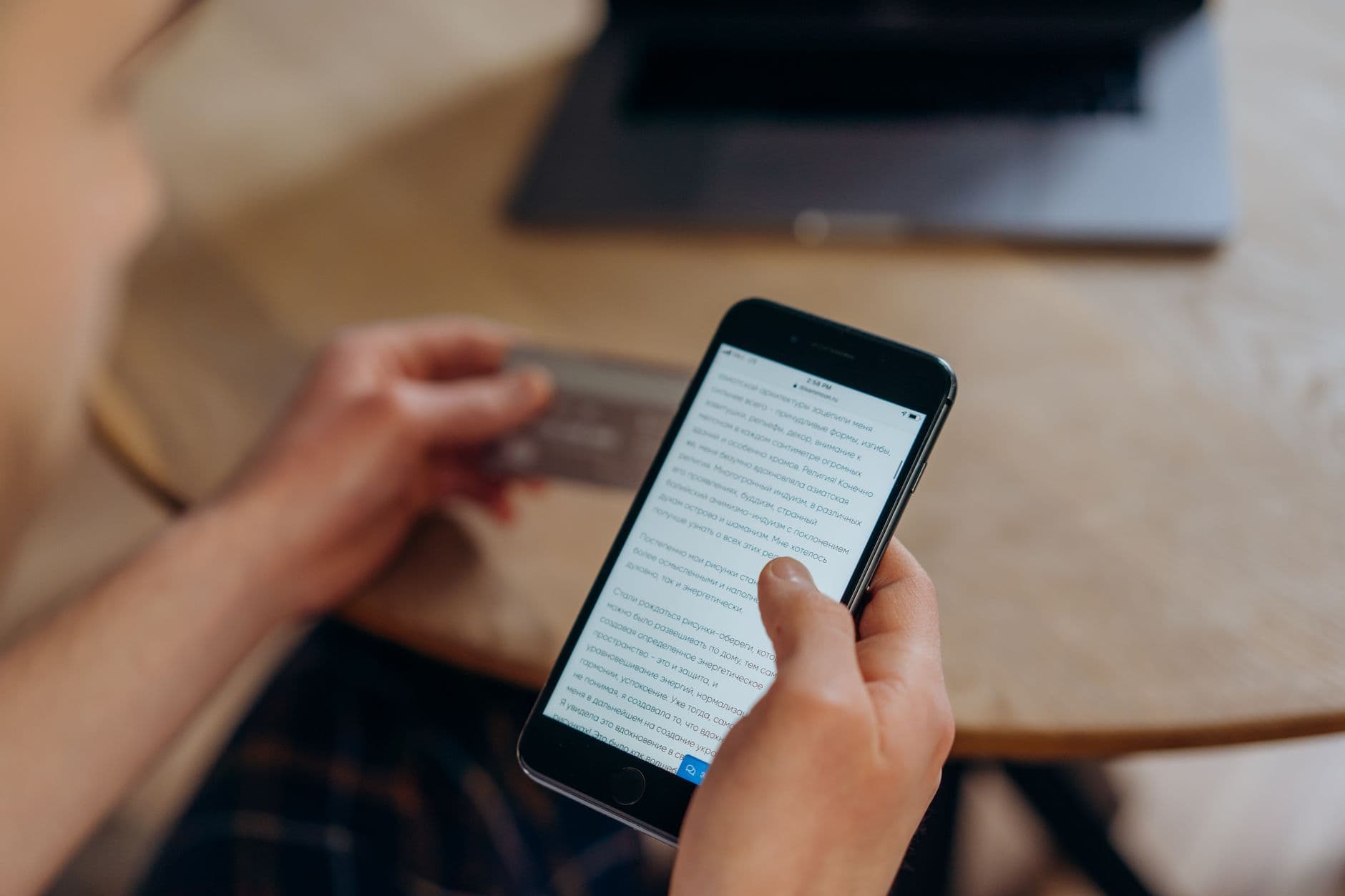
GCash has transformed from a domestic peer-to-peer mobile wallet into the undisputed financial super-app of the Philippines, used by over 80 million people.
For Filipino freelancers, digital nomads, and Overseas Filipino Workers (OFWs), GCash is often the primary hub for managing money. But as cross-border remote work and international travel expand in 2026, understanding how to move money into and out of GCash across international borders is essential.
Whether you need to receive client payments from the US or Europe directly into your GCash wallet, link platforms like Wise or Payoneer, or withdraw cash using your GCash card while traveling abroad, here is the complete 2026 guide.
International GCash Operations: 2026 Summary Matrix
| Transaction Type | Service / Provider | Settlement Speed | Conversion & Platform Fees | Best For |
|---|---|---|---|---|
| Direct Client Remittance | Wise ➡️ GCash | Instant (Seconds) | Low transparent fee (<1%) | Direct client payroll & retainers |
| Marketplace Payouts | Payoneer ➡️ GCash | Real-time | Standard Payoneer ~2% spread | Upwork, Fiverr, and TikTok creator payouts |
| Express Overseas Remittance | Remitly / WorldRemit | Instant – 10 minutes | Sender pays flat $1.99 – $3.99 | US, Canadian, UK, and European clients |
| International ATM Cash Withdrawal | Physical GCash Visa Card | Immediate at ATM | ~$3.50 bank ATM fee + Visa FX spread | Traveling abroad & digital nomads overseas |
| GCash Overseas (Non-PH SIM) | GCash App (US, UK, CA, etc.) | Real-time | Standard GCash wallet rates | OFWs and Filipinos living permanently abroad |
3 Proven Ways to Receive International Client Payments in GCash
1. The Wise to GCash Instant Transfer (Lowest Fees)
Wise is the premier international transfer tool for clients sending USD, GBP, AUD, or EUR to the Philippines.
- How to give details to your client: You only need to give your client: 1. Your full legal name (matching your GCash account). 2. Your registered GCash mobile phone number (format:
+639XXXXXXXXX). 3. Destination bank / wallet: Select GCash. - The Experience: The client sends the money from their Wise app or bank account. The currency converts at the real Google mid-market rate, and the funds deposit into your GCash wallet within 15 to 60 seconds.
2. Linking Payoneer to GCash (Instant Withdrawal)
If you earn on Upwork, Fiverr, or Adobe Stock, Payoneer allows direct linking with GCash.
- How to link: 1. Open your GCash app and tap Profile or Cash In. 2. Select Global Partners and Remittance ➡️ tap Payoneer. 3. Enter your Payoneer login credentials and authorize the two-factor authentication prompt.
- How to withdraw: Once linked, tap Cash In ➡️ Payoneer. Enter the USD amount you wish to withdraw (minimum $10). The funds convert to PHP and appear in your GCash wallet instantly.
3. PayPal to GCash Direct Cash-In
If a client insists on paying via PayPal:
- Link your PayPal account inside GCash under Profile ➡️ My Linked Accounts ➡️ PayPal.
- Once authorized, you can cash in directly from PayPal into GCash with zero transfer fees from GCash (standard PayPal currency conversion rates apply).
Using the GCash Visa Card Internationally Abroad
In 2026, GCash issues a physical GCash Visa Card that turns your Philippine Peso mobile balance into an international travel card:
Critical ATM Travel Tip: "Always Charge in Local Currency"
When using your GCash card at an ATM in Tokyo, Singapore, Bangkok, or New York, the ATM screen will ask: "Would you like to be charged in Philippine Pesos (PHP) or Local Currency?"
- ALWAYS SELECT LOCAL CURRENCY (USD, JPY, EUR, THB).
- Choosing PHP triggers Dynamic Currency Conversion (DCC), allowing the foreign ATM bank to charge a predatory 5% to 8% markup. Selecting the local currency lets Visa and GCash convert the transaction at the official, favorable wholesale exchange rate.
Upgrading Your GCash Wallet Limit to ₱500,000
If you are earning consistent freelance income, the standard ₱100,000 monthly limit is easily breached:
- Navigate to GSave inside GCash and open a free high-yield digital savings account powered by CIMB Bank or BPI. Linking GSave automatically expands your monthly wallet threshold up to ₱500,000.
Frequently Asked Questions
Yes. International clients can send money directly to your GCash mobile number using remittance networks like Wise, Remitly, WorldRemit, Western Union, and TapTap Send. Funds clear in Philippine Pesos (PHP) almost instantaneously with zero receiving fees on the recipient's side.
Yes. The physical GCash Card is an international Visa debit card. You can use it to pay at millions of retail merchants worldwide and withdraw local currency cash (e.g., USD in the US, JPY in Japan, EUR in Europe) at any ATM displaying the Visa or Plus network logo.
Standard fully verified GCash accounts have a monthly incoming limit of ₱100,000. However, freelancers and digital business owners can easily upgrade to 'GCash Plus' or link a verified GSave / CIMB digital bank account to increase their wallet and transaction limit up to ₱500,000 per month.

Alex Morgan is the founder and lead editor of RemoGrid. With over six years of hands-on experience in remote operations, cross-border freelance workflows, and AI tool benchmarking, Alex independently tests and audits software platforms to help modern digital workers build sustainable online income streams. He regularly reviews international payment systems (Wise, Stripe, Payoneer, local mobile wallets) and conducts real-world usability benchmarks across AI productivity tools.