
How to Withdraw PayPal Funds in South Africa via FNB in 2026 (Even Without an FNB Account)
Disclosure: Some links in this article are affiliate links. If you click and make a purchase, we may earn a commission at no extra cost to you. This does not influence our editorial recommendations - we only recommend products and services we genuinely believe in. Read our full affiliate disclosure.
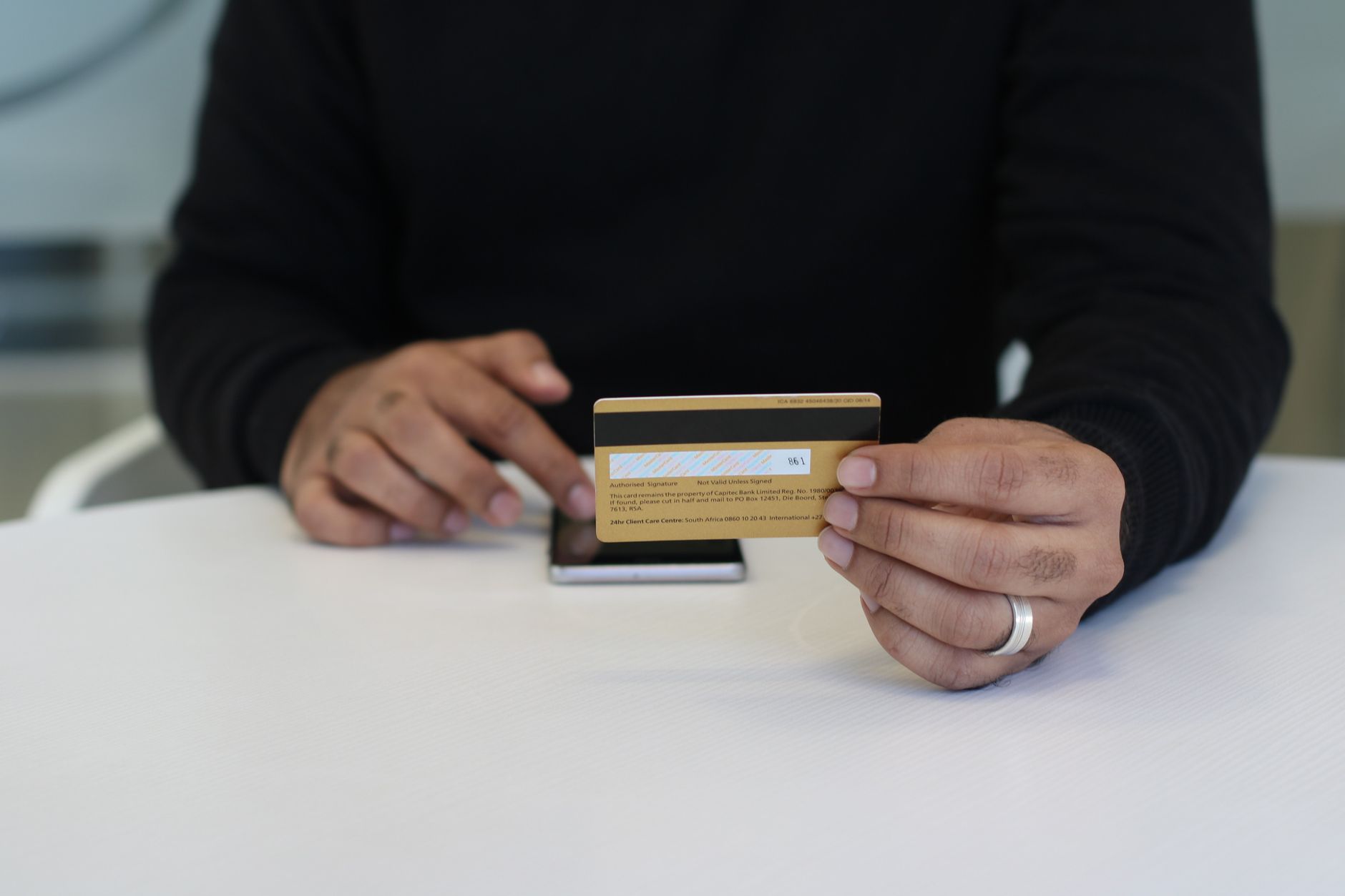
For South African freelancers, digital artists, and remote contractors, PayPal remains one of the primary payment methods used by international clients on platforms like Upwork, Fiverr, and Prolific.
However, due to strict South African Reserve Bank (SARB) exchange controls, PayPal does not allow direct transfers to local Visa/Mastercard debit cards in South Africa.
Instead, First National Bank (FNB) is the official and exclusive licensed banking partner facilitating PayPal withdrawals in the country.
The good news? You do NOT need an existing FNB bank account to withdraw your funds. You can link PayPal through FNB and deposit your money directly into Capitec, Standard Bank, Nedbank, ABSA, or TymeBank.
Here is the complete, tested guide for 2026.
FNB PayPal Withdrawal Overview (2026)
| Parameter | Details |
|---|---|
| Official Partner Bank | First National Bank (FNB) |
| Supported Recipient Banks | Capitec, Standard Bank, Nedbank, ABSA, TymeBank, Investec |
| FNB Fee Structure | 1.50% (Under $800) down to 0.81% (Over $7,000) |
| Clearance Speed | 1 to 3 business days |
| SARB Compliance | Automated online Balance of Payments (BoP) form |
Step 1: Register a Free FNB Online Banking Profile (Non-FNB Customers)
If you do not have an FNB bank account:
- Visit fnb.co.za on your computer browser.
- Click Register on the top right.
- Select "Register with my ID / Passport (For PayPal only)".
- Enter your 13-digit South African ID number, email address, and mobile number.
- Create your username and password. You now have a free FNB online profile with zero monthly account fees!
Step 2: Link Your South African Bank Account and PayPal
- Log into your new FNB profile.
- Navigate to Forex > PayPal > Link PayPal Profile.
- Enter your primary bank details (e.g., your Capitec account number and branch code
470010). - Click Proceed. FNB will redirect you to PayPal's official portal.
- Log into PayPal and grant FNB permission to link the accounts. You will be redirected back to FNB with a green "Successfully Linked" notification.
Step 3: Executing the Withdrawal to Your Bank
Once your accounts are linked:
- Log into FNB Online Banking.
- Go to Forex > PayPal Services > Withdraw from PayPal.
- Enter the amount in US Dollars you want to transfer (e.g.,
$300.00). - The system will display the real-time USD to ZAR exchange rate, the FNB service fee, and the exact Rand amount arriving in your account.
- Select your SARB BoP Code: Choose category 101 (IT / Technical services) or 102 (Personal, cultural and recreational) or 500 (Gift / Remittance).
- Click Confirm. Within 1 to 2 business days, the ZAR will deposit directly into your Capitec, Standard Bank, or ABSA account!
Pro Tip: Minimizing Forex Fees
Because FNB charges a tiered percentage:
- Accumulate earnings until you have at least $500 to $1,000 before initiating a withdrawal. Multiple small $50 withdrawals incur higher cumulative percentage fees and transaction spreads.
Frequently Asked Questions
No! You can register for a free FNB Online Banking profile (non-FNB client profile) and link your PayPal balance to withdraw funds directly into any South African bank account (Capitec, Nedbank, Standard Bank, ABSA, or TymeBank).
FNB charges a tiered withdrawal fee ranging from 1.50% down to 0.81% depending on the withdrawal amount, plus PayPal’s standard currency conversion rate from USD to ZAR.
Withdrawals typically take 1 to 3 business days to clear into your South African bank account following Reserve Bank balance-of-payments clearance.
The South African Reserve Bank (SARB) legally mandates exchange control tracking on all foreign funds entering the country. Freelancers typically select BoP category 101 or 500 (freelance or professional service fees).

Alex Morgan is the founder and lead editor of RemoGrid. With over six years of hands-on experience in remote operations, cross-border freelance workflows, and AI tool benchmarking, Alex independently tests and audits software platforms to help modern digital workers build sustainable online income streams. He regularly reviews international payment systems (Wise, Stripe, Payoneer, local mobile wallets) and conducts real-world usability benchmarks across AI productivity tools.


