
Ultimate Remote Work Desk Setup 2026: Ergonomics, Monitors & Productivity Gear
Disclosure: Some links in this article are affiliate links. If you click and make a purchase, we may earn a commission at no extra cost to you. This does not influence our editorial recommendations - we only recommend products and services we genuinely believe in. Read our full affiliate disclosure.
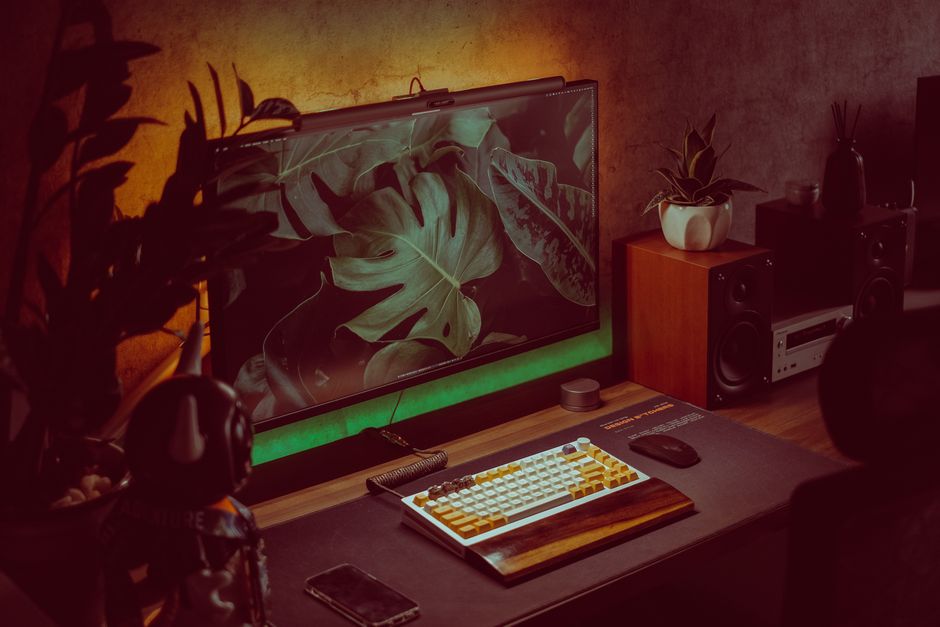
When you work from home full-time, your desk setup is not just furniture - it is the primary physical environment where you spend 40 to 60 hours every single week. Working from a soft couch or a cheap dining chair leads directly to chronic lower back pain, wrist tendonitis, and afternoon mental fatigue.
In 2026, investing in an ergonomic, scientifically configured home office workstation pays for itself tenfold in energy, health, and uninterrupted focus. Here is our curated guide to building the ultimate remote work workstation.
The Essential Ergonomic Gear Matrix
| Component | Top Premium Pick | Best Value / Budget Pick | Primary Ergonomic Benefit |
|---|---|---|---|
| Ergonomic Chair | Herman Miller Aeron / Embody | Sihoo Doro C300 / ErgoChair Pro | Lumbar spine support & dynamic pelvis tilt |
| Standing Desk | Uplift V2 Dual Motor | FlexiSpot E7 Pro | Promotes circulation & posture variation |
| Primary Monitor | Dell UltraSharp 38" Curved 4K | Gigabyte M34WQ 34" Ultrawide | Eliminates dual-bezel eye strain |
| Ergonomic Mouse | Logitech MX Master 3S | Logitech Lift Vertical Mouse | Neutral handshake wrist angle |
| Keyboard | Keychron Q Pro Mechanical | Logitech MX Keys S | Reduces repetitive strain injury (RSI) |
1. The Foundation: Ergonomic Seating
The biggest mistake remote workers make is buying flashy "gaming chairs" made of cheap faux leather with zero lumbar articulation. Real ergonomic chairs support the natural S-curve of your spine:
- The Golden Posture Rule: Your feet should rest completely flat on the floor, your knees bent at a 90-degree angle, with 2 to 3 fingers of clearance between the seat edge and the back of your knees.
- Breathable Mesh: Chairs like the Herman Miller Aeron or Sihoo Doro C300 allow heat and moisture dissipation, keeping you cool during long focus sprints.
2. Monitor Positioning: Eliminate Neck Strain
Neck pain almost always stems from looking down at a laptop screen:
- Eye Level Alignment: The top one-third of your monitor should be directly aligned with your horizontal eye level.
- Arm's Length Distance: Your screen should sit approximately an arm's length (20 to 28 inches) away from your face.
- Monitor Arms: Ditch the bulky factory plastic stands and mount your screen on a gas-spring monitor arm to reclaim precious desk space.
3. Lighting & Video Call Polish
Looking professional on client Zoom and Google Meet calls requires simple lighting fundamentals:
- Key Light: Position a soft, diffuse light (like an Elgato Key Light or budget clamp-on ring light) directly behind your webcam at a 45-degree angle.
- Natural Backlight Management: Never sit with a bright window directly behind you, which turns you into an underexposed silhouette.

Alex Morgan is the founder and lead editor of RemoGrid. With over six years of hands-on experience in remote operations, cross-border freelance workflows, and AI tool benchmarking, Alex independently tests and audits software platforms to help modern digital workers build sustainable online income streams. He regularly reviews international payment systems (Wise, Stripe, Payoneer, local mobile wallets) and conducts real-world usability benchmarks across AI productivity tools.


