How to Pass HireVue & AI Video Interviews for Remote Jobs in 2026 (Algorithm Triggers & Tips)
Disclosure: Some links in this article are affiliate links. If you click and make a purchase, we may earn a commission at no extra cost to you. This does not influence our editorial recommendations - we only recommend products and services we genuinely believe in. Read our full affiliate disclosure.
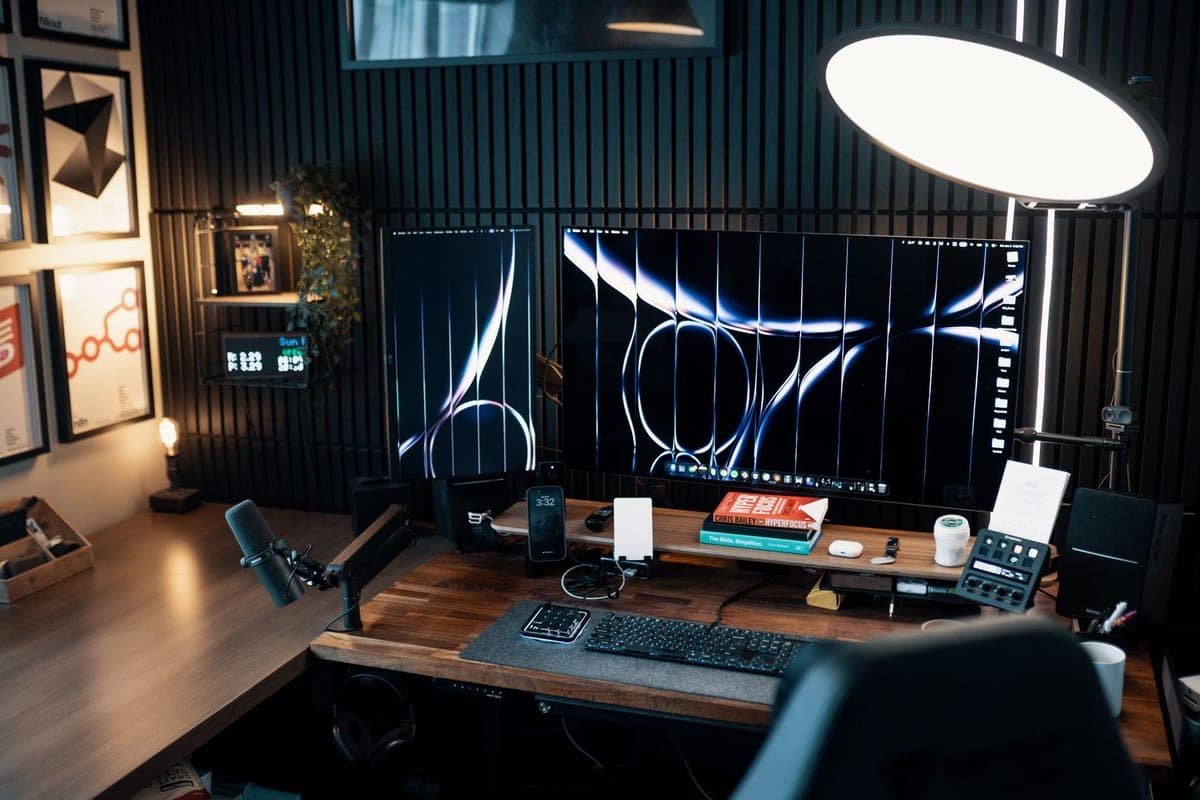
AI-powered video interviews have become the dominant first screening layer for remote job applications at major technology companies, enterprise SaaS vendors, and global consulting firms. HireVue, Spark Hire, and Pymetrics present candidates with recorded behavioral questions and use machine learning algorithms to score responses before a human recruiter reviews a single candidate.
Understanding exactly what these AI systems measure - and strategically optimizing your responses - is now a required career skill for remote job seekers in 2026.
This complete guide details the exact algorithmic scoring signals, optimal answer length, eye contact positioning, and behavioral triggers that determine HireVue pass rates.
1. What the HireVue Algorithm Actually Scores
HireVue's competency model evaluates eight scored dimensions per question:
2. The Optimal HireVue Answer Structure: STAR Framework
Worked Example:
Question: "Tell me about a time you had to manage a difficult deadline."
"In my previous role as a remote content operations manager [Situation], I was responsible for delivering a 12-article editorial calendar within a compressed 5-day window after a client accelerated their product launch [Task]. I immediately triaged the articles by complexity, assigned drafting blocks using Notion, and set 24-hour micro-deadlines for each writer via Loom video updates [Action]. We delivered all 12 articles on schedule, earning a 4.9/5 client satisfaction rating and a 3-month contract extension [Result]."
3. Eye Contact and Camera Positioning Rules
- Tape a Small Arrow or Sticky Note Next to the Camera Lens: This simple trick keeps your gaze locked on the camera rather than drifting to your face preview or the question text on screen.
- Set the Camera at Eye Level: Position your laptop on books or a stand so the camera sits exactly at your eye level. Looking slightly upward into the camera creates a passive "looking down at the screen" expression that HireVue's facial expression model interprets as low confidence.
4. Technical Setup Checklist for AI Interviews
- Eliminate Backlit Windows: A window behind you creates a silhouette that HireVue's facial analysis struggles to interpret accurately. Move your setup so natural light falls on your face from the front.
- Test with a Practice Recording: HireVue provides a mandatory practice question before live recording begins. Treat this as a genuine run-through, not a throwaway technical test.
Frequently Asked Questions
HireVue's AI model analyzes multiple behavioral and linguistic signals: spoken word choice and vocabulary complexity, speech clarity and filler word frequency ('um', 'uh', 'like'), facial expression consistency and eye contact direction, body language posture, answer structure and coherence, and response time to questions. The algorithm converts these signals into a composite competency score.
Optimal HireVue answers are 90 seconds to 2 minutes long. Answers under 60 seconds signal insufficient depth, while answers exceeding 3 minutes risk score penalties for verbosity. Structure every answer using the STAR framework: Situation (10 seconds), Task (10 seconds), Action (60 seconds), Result (20 seconds).
Yes. HireVue's facial analysis module scores 'engagement' by detecting where your eyes are directed. Looking directly at the camera lens (not the on-screen question text or your own face preview) simulates direct eye contact, which significantly improves your engagement competency score.
Yes. The eye-tracking module will flag frequent off-center gaze shifts as 'distracted engagement,' which lowers your attentiveness score. While brief glances down to recall a specific metric are acceptable, continuous left/right reading eye movement is easily detected.

Alex Morgan is the founder and lead editor of RemoGrid. With over six years of hands-on experience in remote operations, cross-border freelance workflows, and AI tool benchmarking, Alex independently tests and audits software platforms to help modern digital workers build sustainable online income streams. He regularly reviews international payment systems (Wise, Stripe, Payoneer, local mobile wallets) and conducts real-world usability benchmarks across AI productivity tools.