
Disclosure: Some links in this article are affiliate links. If you click and make a purchase, we may earn a commission at no extra cost to you. This does not influence our editorial recommendations - we only recommend products and services we genuinely believe in. Read our full affiliate disclosure.
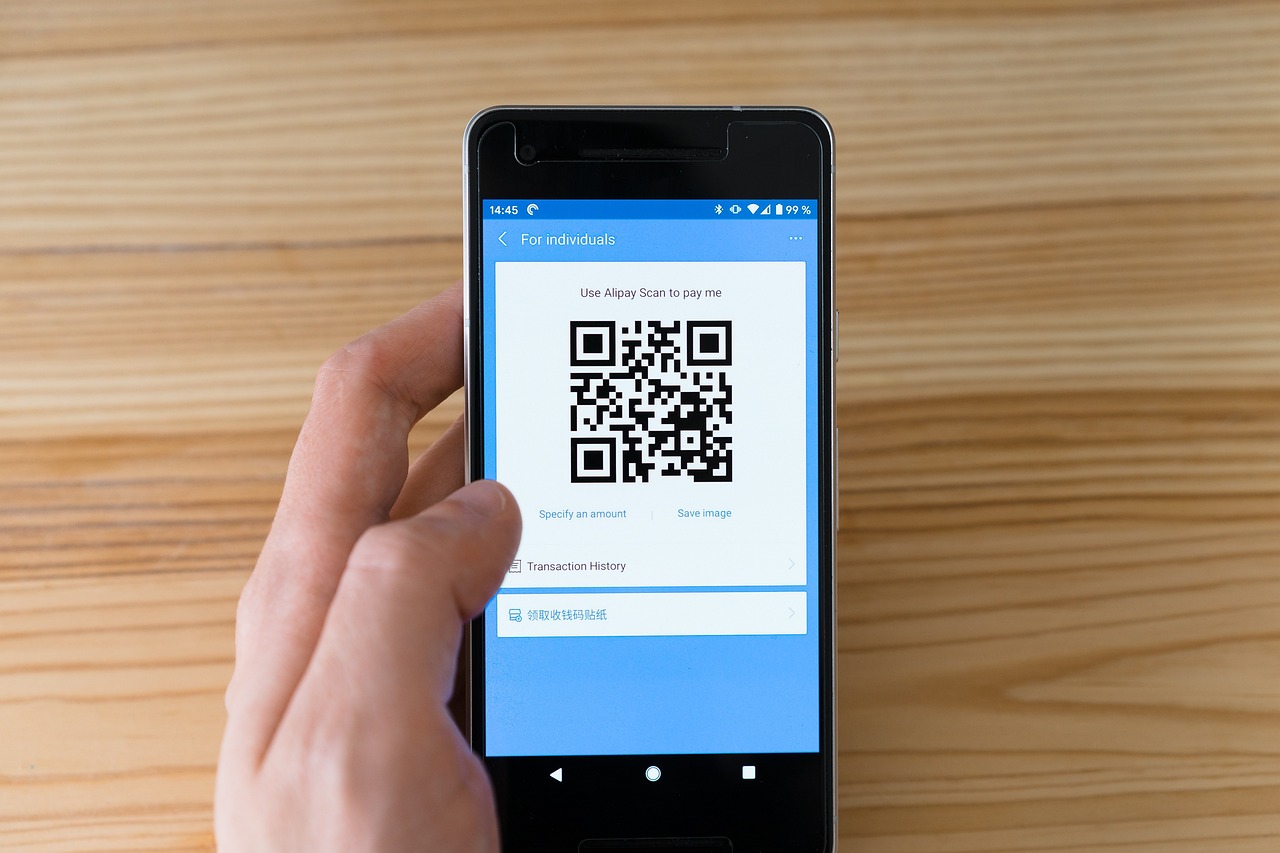
I tried upgrading a test e-commerce client's Wix store in Nairobi with a standard KCB Visa debit card, and the transaction failed three consecutive times. The bank sent a generic fraud alert SMS, Wix threw a vague "Processor Declined" error, and my client was stuck on a free plan with an ugly banner ad. Even worse, when potential buyers reached the checkout page, they found zero options to pay via M-Pesa - the payment method 90% of local shoppers actually use.
If you're running a business or building client sites in Kenya, you've likely hit this exact brick wall. Wix natively supports local card processing and localized gateways across North America and Europe, but its infrastructure in East Africa leaves local entrepreneurs scrambling.
You don't have to scrap your site and move to Shopify or WordPress. We spent three weeks testing five virtual dollar cards and four regional payment gateways from our desk in Westlands. Here's how to successfully upgrade your Wix account to a Premium tier and wire up a functioning M-Pesa checkout that deposits cash directly into your bank account or Till number.
RemoGrid is reader-supported. When you sign up or purchase through links on our site, we may earn an affiliate commission at no extra cost to you. We test every platform independently.
The Core Problem: Why Wix Fails for Kenyan Merchants
Building on Wix in Kenya presents two distinct operational challenges:
- Paying for Wix (Outbound Payments): Wix bills subscriptions in USD. Local Kenyan bank cards (KCB, Equity, NCBA, Stanbic) frequently fail when processing foreign recurring dollar charges due to central bank FX restrictions, strict 3D Secure triggers, or systemic international gateway blocks.
- Getting Paid on Wix (Inbound Payments): "Wix Payments" (their proprietary in-house gateway) doesn't exist in Kenya. If you publish a store without adding a local gateway, your customers can only pay via international credit cards or manual offline bank transfers. If you don't offer an M-Pesa prompt, your cart abandonment rate will hover around 80%.
To solve the outbound payment issue, you need a pre-funded virtual USD card with high international processing limits. To solve the inbound payment issue, you need a supported gateway like Paystack or Flutterwave that bridges Wix's store backend directly to Safaricom's Daraja API.

Part 1: How to Upgrade Wix Premium in Kenya (Virtual Card Testing)
When you hit "Upgrade" on your Wix dashboard, the platform attempts to charge your card in United States Dollars ($USD). Most local debit cards tied to KES accounts reject these attempts due to fluctuating foreign exchange liquidity or bank-level restrictions on foreign merchant category codes.
We tested five virtual card services available in Kenya by executing $180 annual payments for Wix Light and Core plans. Here are the real results:
| Virtual Card Provider | Card Creation Fee | FX Conversion Markup | Top-Up Method | Wix Billing Success Rate | Monthly Card Fee |
|---|---|---|---|---|---|
| Eversend | $1.00 | ~2.5% above spot | M-Pesa Direct | 100% (4/4 passed) | $1.00 |
| Pyypl | $0.00 | ~3.8% above spot | M-Pesa via Paybill | 100% (3/3 passed) | $0.00 (Inactivity fee applies) |
| Chipper Cash | $1.00 | ~3.2% above spot | M-Pesa Direct | 75% (3/4 passed) | $0.00 |
| NCBA Loop Virtual Card | Free | ~4.5% above spot | Bank Transfer | 50% (2/4 passed) | $0.00 |
| I&M WebCard (Prepaid) | Free | ~3.0% above spot | Bank/M-Pesa | 100% (4/4 passed) | $0.00 |
Top Virtual Card Solutions Analyzed
1. Eversend (Best Overall Reliability)
Eversend remains our primary choice for paying international SaaS platforms from Kenya. You fund your wallet via M-Pesa in KES, click "Create Virtual Card," and convert your KES balance to USD inside the app.
- Why it worked: Eversend routes transactions through USD BINs that Wix's payment system recognizes as US-based virtual Visa cards. The 3D Secure verification code arrives instantly inside the app log.
- The Catch: You must complete KYC level 2 (National ID or Passport scan) before creating a USD card.
2. Pyypl (Fastest Setup)
Pyypl issues a Mastercard virtual card accepted by Wix billing. You fund it using an M-Pesa Paybill number directly from the app interface.
- Why it worked: Pyypl doesn't check local credit scoring and relies on simplified verification. It passed Wix's billing system without triggering card decline flags.
- The Catch: The exchange rate markup is higher than Eversend's. If you leave a balance on the card without using it for 30 days, Pyypl charges a maintenance fee.
If you're weighing various international payment options or working across borders, read our comparison guide on Pyypl vs Chipper Cash for remote workers to figure out which card works best for your setup.
Step-by-Step: Upgrading Wix using a Virtual Card
- Generate the Card: Open your chosen app (e.g., Eversend), top up KES via M-Pesa, convert the money to USD, and generate your virtual Visa/Mastercard. Make sure you have at least $5 more than the target plan cost to account for temporary authorization holds.
- Copy Details: Copy the 16-digit card number, CVV, and expiration date.
- Set Billing Address: On the Wix checkout screen, select Credit/Debit Card. When entering the billing address, match the billing address specified in your virtual card app (Eversend uses a Delaware, USA address for its cards; Pyypl uses an international default address).
- Complete 3DS Prompt: If prompted for a One-Time Password (OTP), check your virtual card app notification tab or SMS. Enter the code to finalize your Wix plan upgrade.

Part 2: Accepting M-Pesa & Local Payments on Wix
Upgrading your site solves the subscription problem, but to run an e-commerce store, digital download site, or service booking platform in Kenya, you must give customers an easy way to check out.
Wix supports three payment gateways in Kenya that accept local funds: Paystack, Flutterwave, and PayPal. Here's how they compare for processing customer orders locally:
| Gateway Feature | Paystack Kenya | Flutterwave Kenya | PayPal Checkout |
|---|---|---|---|
| M-Pesa STK Push Support? | Yes (Instant prompt on phone) | Yes (Instant prompt on phone) | No |
| Card Processing Fees | 2.9% + KES 10 | 2.9% | 4.4% + fixed fee + FX spread |
| M-Pesa Transaction Fees | 1.5% | 1.5% | N/A |
| Payout Destination | Kenyan Bank Account / M-Pesa | Kenyan Bank Account / M-Pesa | Equity Bank Account Only |
| Payout Timeline | T+1 (Next Business Day) | T+1 (Next Business Day) | 1 to 3 Business Days |
| Registration Requirements | ID + KRA PIN (Business optional) | ID + KRA PIN + Business Registration | Individual / Business Account |
| Wix Native Integration? | Yes (Built-in app) | Yes (Built-in app) | Yes (Built-in app) |
Why Paystack Wins for Kenyan Wix Merchants
While Flutterwave offers broad African currency coverage, Paystack (owned by Stripe) provides higher reliability for M-Pesa STK push requests on Wix stores. When a customer enters their phone number at checkout, Paystack triggers an automatic PIN prompt on their phone within two seconds.
PayPal remains necessary if you sell to international buyers, but it's practically useless for local commerce. Kenyan shoppers will not leave your checkout flow to log into PayPal, convert KES to USD, and pay high cross-border transaction fees.
For an in-depth breakdown of regional payment processing options across East Africa, check out our analysis of Paystack vs Flutterwave for East African merchants.

Step-by-Step: Connecting Paystack M-Pesa Checkout to Wix
Setting up Paystack on Wix doesn't require writing code or configuring webhooks manually. Everything is handled via native API integration within the Wix dashboard. Here is the exact setup process:
Step 1: Create and Verify Your Paystack Account
- Go to
paystack.comand click Create free account. - Set your business country to Kenya.
- Select Starter Business if you haven't registered a company with BRS (Business Registration Service), or Registered Business if you have a Certificate of Incorporation or Name Registration.
- Upload your National ID copy, KRA PIN certificate, and bank account details (or registered M-Pesa Till number) under Settings > Compliance.
Note: Starter accounts can accept payments immediately, but payouts are capped at KES 300,000 total cumulative volume until full compliance verification is submitted.
Step 2: Grab Your API Keys
- Log into your Paystack Dashboard.
- Navigate to Settings > API Keys & Webhooks.
- Keep this tab open. You will need your Public Key and Secret Key (they start with
pk_live_andsk_live_).
Step 3: Link Paystack Inside Wix
- Log into your Wix Site Dashboard.
- Navigate to Settings in the left menu, then click Accept Payments.
- Scroll down to the bottom of the page where it says "Looking for more payment options?" and click See More Payment Options.
- Locate Paystack in the list and click Connect.
- Paste your Paystack Live Public Key and Live Secret Key into the respective fields.
- Click Connect Account.
Step 4: Configure M-Pesa as the Primary Method in Paystack
- Switch back to your Paystack Dashboard.
- Go to Settings > Preferences.
- Under Payment Channels, make sure M-Pesa, Card, and Bank Transfer are all checked.
- Save changes.
Now, when a buyer selects "Paystack" at your Wix checkout page, they will see a payment modal that lists M-Pesa at the top. Once they enter their Safaricom number and click Pay, an STK push popup instantly appears on their mobile screen asking for their M-Pesa PIN. Once entered, the Wix order status updates from Unpaid to Paid in real-time.

Handling Foreign Currency & Hidden Fee Traps
Configuring your site is only half the battle. If you don't adjust your currency routing and billing defaults, conversion charges will quietly eat into your margins. Here are three fee traps we caught during testing:
1. The Currency Mismatch Penalty
If your Wix store currency is set to USD, but Paystack processes transactions in KES, Paystack will perform an internal conversion on every transaction.
- The Fix: Go to Wix Dashboard > Settings > Language & Region and set your store's primary display currency to KES (KSh). This ensures that a product priced at KES 1,500 is passed directly to Paystack as KES 1,500, preventing double conversion fees.
2. Auto-Renewal Subscription Fails
Virtual cards generated through apps like Eversend or Chipper Cash require a pre-funded wallet balance. If Wix attempts to process your monthly or annual plan auto-renewal when your virtual card balance is empty, the charge will fail. After three failed attempts, Wix temporarily suspends your custom domain connection and reinstates their branding ads on your site.
- The Fix: Switch your Wix subscription billing cycle to Annual to save on rates, and set a personal calendar reminder seven days before renewal to ensure your virtual USD card holds sufficient funds.
3. Payout Processing Slippage
Paystack charges a 1.5% processing fee on M-Pesa payments. If you process KES 10,000, Paystack takes KES 150, leaving KES 9,850 for payout. However, transferring those funds to certain local bank accounts via EFT might incur fixed clearing charges from your bank.
- The Fix: In your Paystack account settings, set your default payout destination to a business M-Pesa Paybill or Buy Goods Till Number. Payouts directly to M-Pesa settle faster and eliminate bank-side incoming wire fees.
For more details on managing online platform payouts and avoiding hidden conversion markups, read our guide on Wise multi-currency accounts and foreign transfers.
Recommended Setup Strategy
If you're launching or maintaining a Wix site in Kenya, follow this deployment structure:
- For Outbound Billing (Upgrading Wix): Use an Eversend USD Virtual Card or I&M WebCard. Keep a minimum buffer of $10 above your plan cost on the card. * Set your Wix billing to annual to locks in discounted rates and minimize recurring card authorization issues.
- For Inbound E-Commerce Checkout (Customer Payments): Connect Paystack as your primary gateway under Wix Accept Payments. Set your Wix store currency to KES to avoid dynamic currency conversion penalties. Enable M-Pesa STK Push as the top payment method inside Paystack preferences. Set up an individual or business Paystack account depending on your registration status, ensuring you verify your KRA PIN early to avoid volume limits.
By decoupling your outbound platform payments (using virtual USD cards) from your store checkout flow (using Paystack's localized M-Pesa integration), you eliminate declined payment notifications and provide local customers with the native checkout experience they expect.
Frequently Asked Questions
Why does my Equity or KCB Visa card get declined on Wix?
Most local Kenyan bank debit cards block international recurring dollar subscriptions or fail 3D Secure verification on foreign payment processors. Using a USD virtual card like Eversend or Pyypl resolves this issue immediately.
Can I accept M-Pesa directly on Wix without a third-party gateway?
No. Wix Payments isn't natively available in Kenya. To accept M-Pesa, you must connect a supported third-party gateway like Paystack or Flutterwave directly through your Wix dashboard under Accept Payments.
What is the cheapest virtual card for paying Wix Premium in Kenya?
Eversend and Chipper Cash offer the lowest overall cost. Eversend charges a $1 card creation fee and around 2.5% FX conversion when funded via M-Pesa, making it more reliable and cheaper than traditional bank FX rates.
How long does Paystack take to deposit M-Pesa store earnings into my bank?
Paystack operates on a T+1 payout schedule in Kenya for verified merchant accounts. Funds collected via M-Pesa on Monday are automatically deposited into your registered Kenyan bank account or M-Pesa Till by Tuesday afternoon.
Do I need a registered business to accept M-Pesa on Wix using Paystack?
No. Paystack allows individuals and sole proprietors to register using a national ID and KRA PIN. However, unregistered accounts face a lifetime processing limit of Ksh 300,000 until full business documents are provided.
Does Wix charge additional transaction fees on Paystack or Flutterwave sales?
Wix doesn't charge per-transaction fees on e-commerce sales if you're on a Business Basic plan or higher. You'll only pay the payment gateway fees charged by Paystack (2.9% + Ksh 10) or Flutterwave (2.9%).
Frequently Asked Questions
Most local Kenyan bank debit cards block international recurring dollar subscriptions or fail 3D Secure verification on foreign payment processors. Using a USD virtual card like Eversend or Pyypl resolves this issue immediately.
No. Wix Payments isn't natively available in Kenya. To accept M-Pesa, you must connect a supported third-party gateway like Paystack or Flutterwave directly through your Wix dashboard under Accept Payments.
Eversend and Chipper Cash offer the lowest overall cost. Eversend charges a $1 card creation fee and around 2.5% FX conversion when funded via M-Pesa, making it more reliable and cheaper than traditional bank FX rates.
Paystack operates on a T+1 payout schedule in Kenya for verified merchant accounts. Funds collected via M-Pesa on Monday are automatically deposited into your registered Kenyan bank account or M-Pesa Till by Tuesday afternoon.
No. Paystack allows individuals and sole proprietors to register using a national ID and KRA PIN. However, unregistered accounts face a lifetime processing limit of Ksh 300,000 until full business documents are provided.
Wix doesn't charge per-transaction fees on e-commerce sales if you're on a Business Basic plan or higher. You'll only pay the payment gateway fees charged by Paystack (2.9% + Ksh 10) or Flutterwave (2.9%).

Alex Morgan is the founder and lead editor of RemoGrid. With over six years of hands-on experience in remote operations, cross-border freelance workflows, and AI tool benchmarking, Alex independently tests and audits software platforms to help modern digital workers build sustainable online income streams. He regularly reviews international payment systems (Wise, Stripe, Payoneer, local mobile wallets) and conducts real-world usability benchmarks across AI productivity tools.


